86
User settings
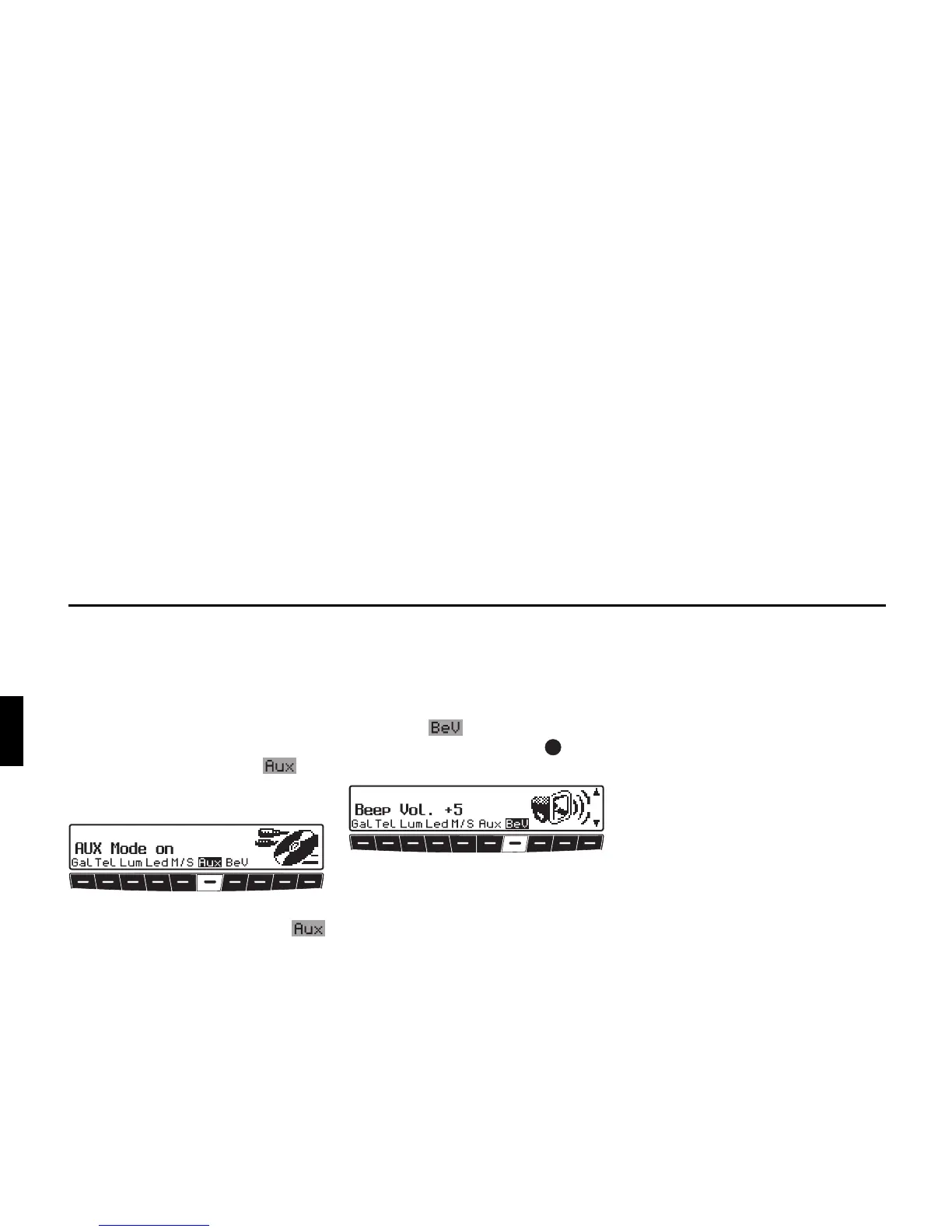
AUX input (Aux)
This can be used to switch on the CD
changer AF connections if no CD chang-
er is connected. An external unit (Disc-
man, Walkman, etc.) can then be
connected.
X To set, call up user menu.
X With multifunction button , se-
lect either
AUX Mode on (On) or
Aux Mode off (Off).
The setting is stored automatically.
In CD mode, multifunction button
must be pressed to select AUX mode.
Signal tone volume (BeV)
The volume of signal tones (e.g. storage
confirmation) can be set using this func-
tion.
X To set, call up user menu.
X Press the multifunction button.
With the right rotary control , select
between
0 (Low) or +5 (Loud).
The setting is stored automatically.















 To Next Page