65
Radio mode
Traffic programme (TP)
If an RDS diversity station broadcasts
TP announcements, it is possible to in-
terrupt CD, CDC/AUX, MW, LW, SW
mode or the mute mode and switch the
broadcast TP announcements through.
Moreover, you can listen to one FM sta-
tion while receiving TP announcements
transmitted by another FM station.
There are two ways to select a TP sta-
tion:
- Automatic tracking
- Direct programming
Automatic tracking transmits TP bulle-
tins over the FM station currently being
received. If the selected FM station has
poor signal quality or is not a TP station,
the unit applies specified criteria to
search for a new TP station.
Direct programming enables a TP sta-
tion to be programmed that is not the FM
station being received. This means, for
example, that a particular FM station can
be listened to whilst TP announcements
are received from another one.
If the programmed TP station’s recep-
tion is poor, the unit switches to auto-
matic tracking until the programmed TP
station can be restored.
If the unit detects a TP station, this is in-
dicated on the display by
TP.
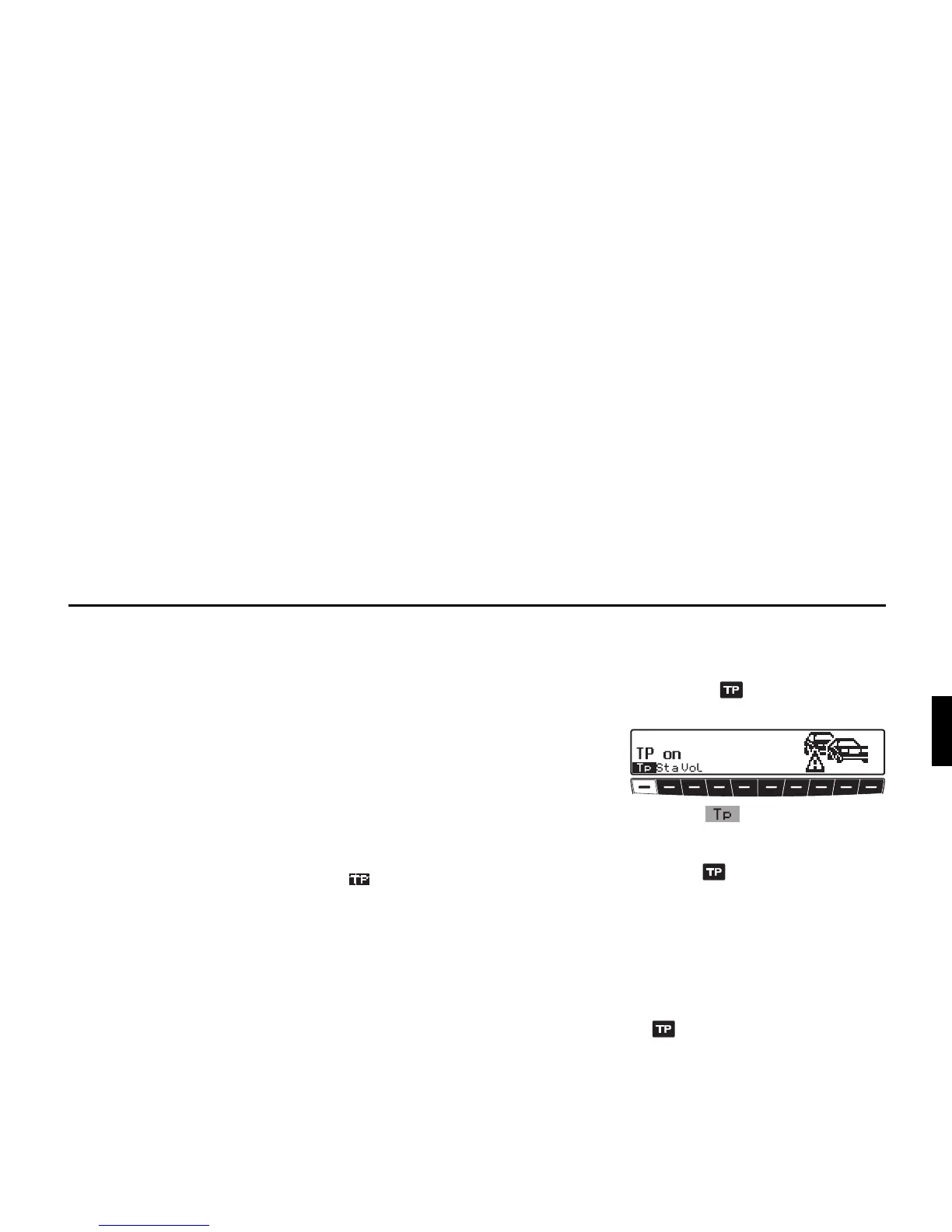
appears on the display to indicate
that the traffic programme is active.
Activating / quitting the TP
menu
Activating:
X Press the button (traffic an-
nouncements cannot be transmitted).
X Press the multifunction button.
Quitting:
X Press the button; otherwise the TP
menu will automatically disappear af-
ter 8 seconds if no further operations
are performed.
Switching TP on / off
In all modes and wavebands, TP can be
turned on or off by pressing and holding
the button for more than 2 seconds.
TP can also be switched on or off whilst
in the TP menu:















 To Next Page