88
Installation and removal instructions
Installation and removal instructions
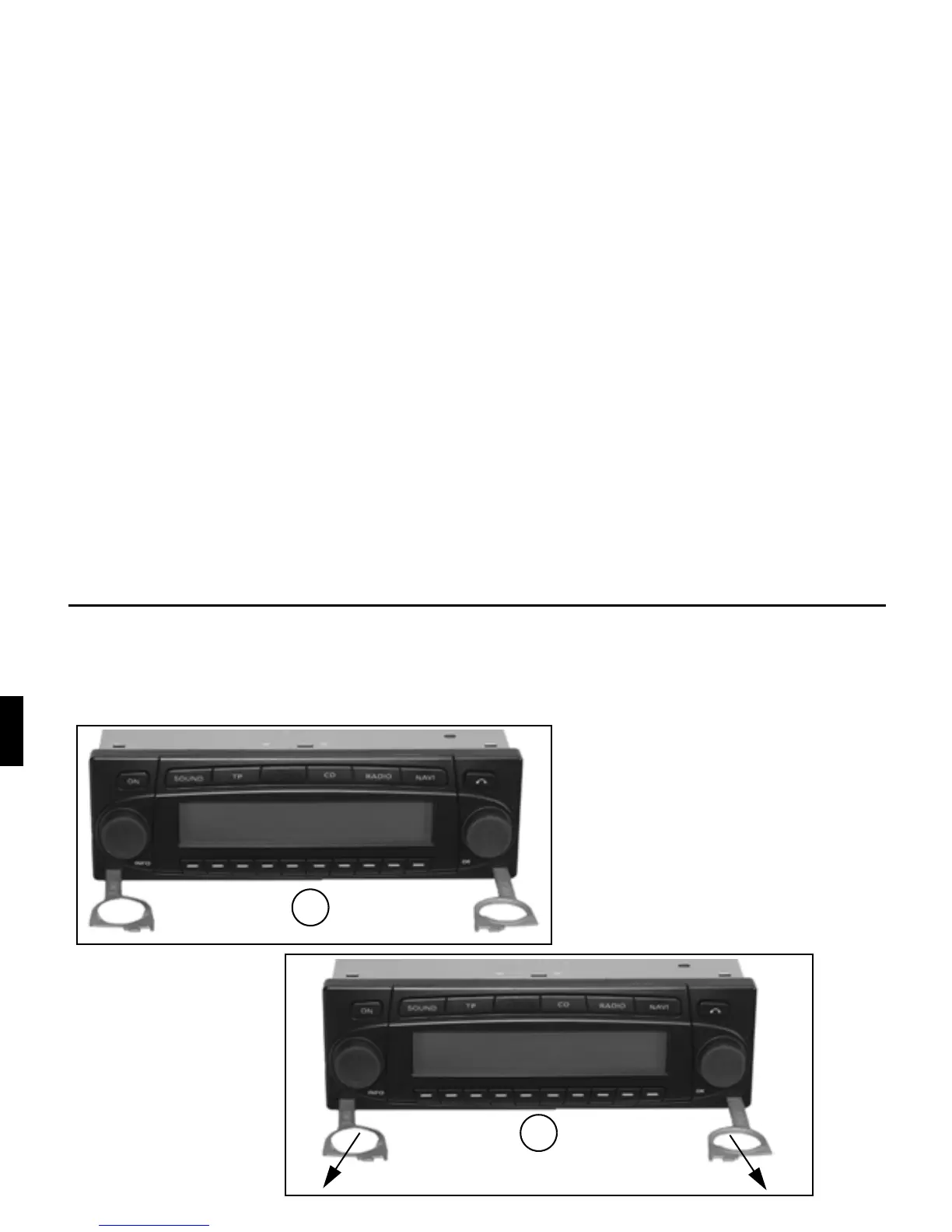
A universal bracket for DIN installation slots is integrated into this car radio. An installation frame is not required. The unit is
inserted into the installation slot and secured with the slides supplied.
To install, complete all electrical connections. Then push the unit into the installation slot. Afterwards, insert slides into the open-
ings on the front of the unit until the first detent position is reached (Figure A). Now lock the radio by pulling both slides, as
shown in Figure B. Subsequently, remove the slides.
A
B















 To Next Page