89
Installation and removal instructions
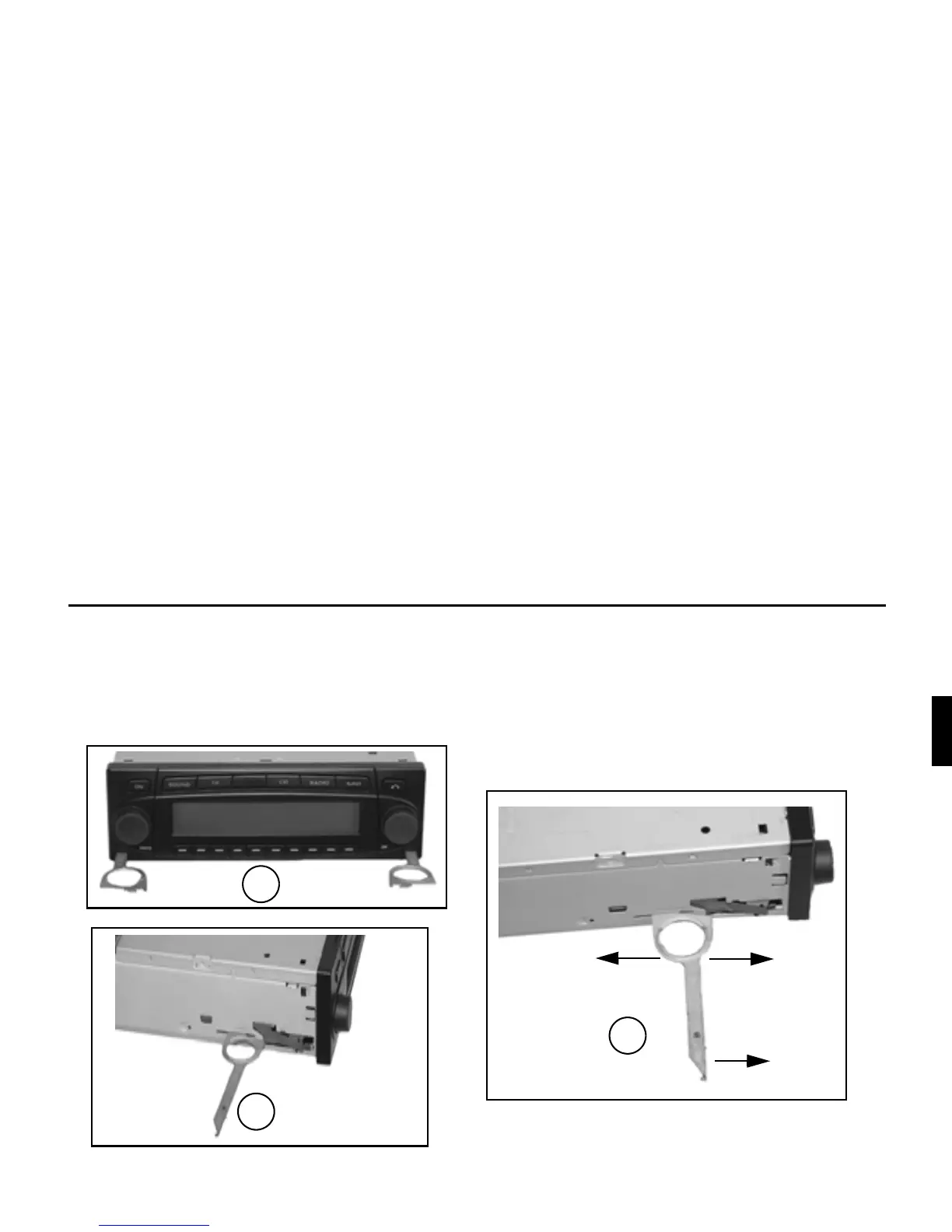
To remove the unit, it must first be unlocked. To do this, push in both slides to the second detent position as shown in Figure A.
Subsequently, withdraw the unit using both slides (Figure C). Then remove the slides by pressing the springs on the right and left
sides of the unit.
If the unit was previously installed in another vehicle, it may be necessary to adjust the springs on the unit before installation. To
adjust the springs, insert slide as shown in Figure D and afterwards adjust as shown in Figure E (gently press slide in the direction
of “1”, whilst at the same time moving the slide in the direction of “2” or “3”).
C
D
E
1
2
3















 To Next Page