84
User settings
User settings
Opening / quitting User
Settings menu
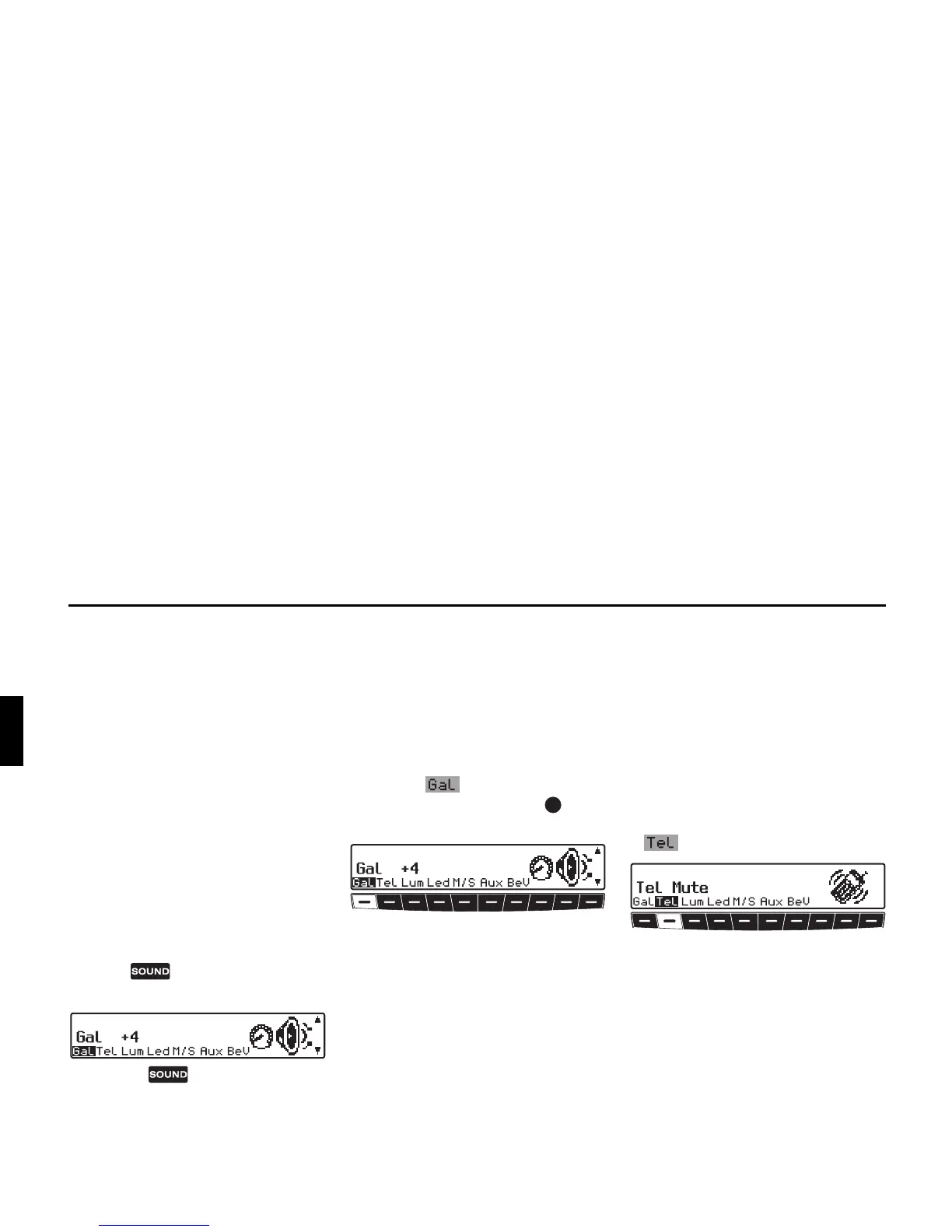
After requesting the user settings, the
following basic settings can be selected
according to your personal preferences.
•
Gal - Speed-dependent volume
control (GAL)
• Tel - Telephone response
•
Lum - Display brightness
•
Led - Adjusting LED
• M/S - Adjusting reception
optimisation
•
Aux - Adjusting the AUX input
•
BeV - Adjusting signal tone volume
X The user menu is requested by press-
ing the button for longer than 2
seconds.
X Press the button again to quit
the user menu.
Setting the GAL (Gal)
The GAL is a car radio control circuit,
which automatically adjusts the car ra-
dio volume according to vehicle speed.
This results in compensation of the driv-
ing noise produced at higher speeds.
X Calling up the user menu.
X Press the multifunction button.
X With the right rotary control , select
either
0 or +15.
The GAL setting can be used to specify
the starting point for the volume increase
according to vehicle speed.
The setting is stored automatically.
The settings are:
•
0 - No volume increase
•
+1 - Volume increase is initiated at
low speed
•
+15 - Volume increase is initiated at
higher speed
Telephone mute function (Tel)
If a telephone with hands-free operation
is installed, the call may be routed
through the speaker system. This elimi-
nates the need for an additional speaker.
However, the signal leads (AF – Tele-
phone input and Earth – Telephone in-
put) must be connected to the car radio
(see also page 98).
X To set, call up user menu.
X By pressing multifunction button
, select
Audio Sig. or Mute.
•
Mute - Telephone Mute setting
•
Audio Sig. - Telephone conversa-
tion via car radio















 To Next Page