76
MP3 mode
Inserting /ejecting MP3 CDs
Inserting CDs:
X Press and hold .
The display folds downwards and the
CD slot is then visible.
X Insert the MP3 CD into the CD slot
with the printed side upwards.
The unit pulls in the MP3 CD automati-
cally and begins to play the first track in
the first folder (directory) of the CD.
Then fold the display up again.
After the last track in the last folder on
the MP3 CD has finished playing, the
unit will automatically repeat the first
track in the first folder on the CD.
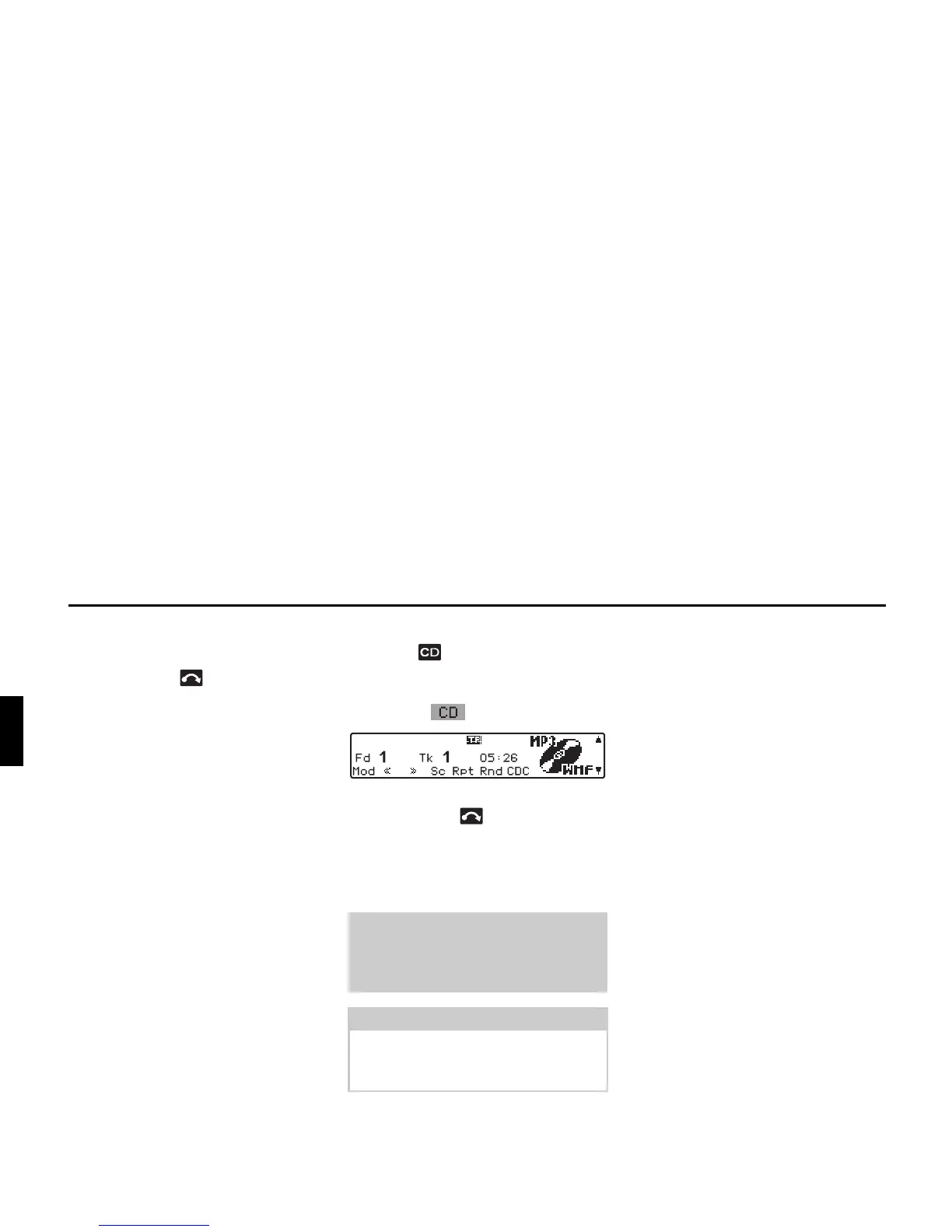
If there is already an MP3 CD in the slot,
press the button. If CD-changer/
AUX mode was selected last, the unit
must be switched to MP3 mode by
pressing the multifunction button.
Ejecting CDs:
X Press and hold .
The display folds downwards and the
MP3 CD is ejected.
X Removing MP3 CDs.
X Fold the display up again.
Also refer to the following sections un-
der CD mode (Page 70):
• “Notes on compact discs (CD)” on
page 70
• “Temperature protection circuit” on
page 73
Warning
Accident hazard
For safety reasons, the portable panel
may not be left open while driving.
Attention:
The MP3 CD is not ejected when the
unit is switched off but remains in the
CD slot.
GG















 To Next Page