83
CD changer mode
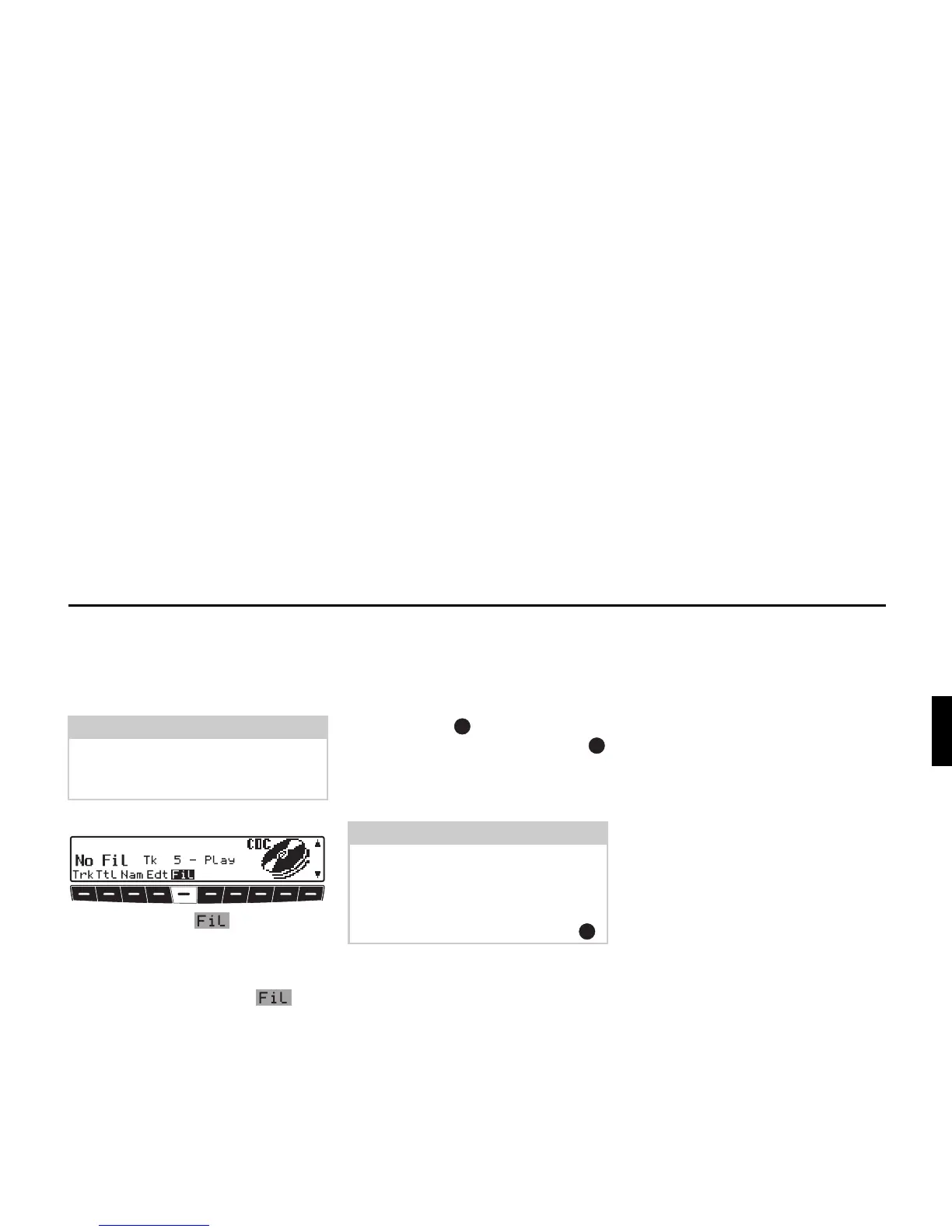
CD filter function
You can filter out individual tracks on a
CD. These tracks are then not included
when the CD is played.
X Requesting CDC settings menu.
X Then press the multifunction
button.
Switching filter function on/off
X By repeatedly pressing the mul-
tifunction button, the filter function is
switched on (
Fil on) and off (No
Fil
).
Filtering tracks:
Silverstone 7860 and 2660 CD chang-
ers.
X The tracks to be filtered out of the cur-
rent CD can be selected using the right
rotary control .
X By pressing the right rotary control
you can select
Play (track unfiltered)
and
Skip (track filtered out).
Note:
The filter function can only be activated
if a name has been stored for the select-
ed CD.
Note:
For the Silverstone 2630 and 2640 CD
changers, you can choose between
Play (track unfiltered) and Skip
(track filtered out) for the current track
by pressing the right rotary control .















 To Next Page