72
CD mode
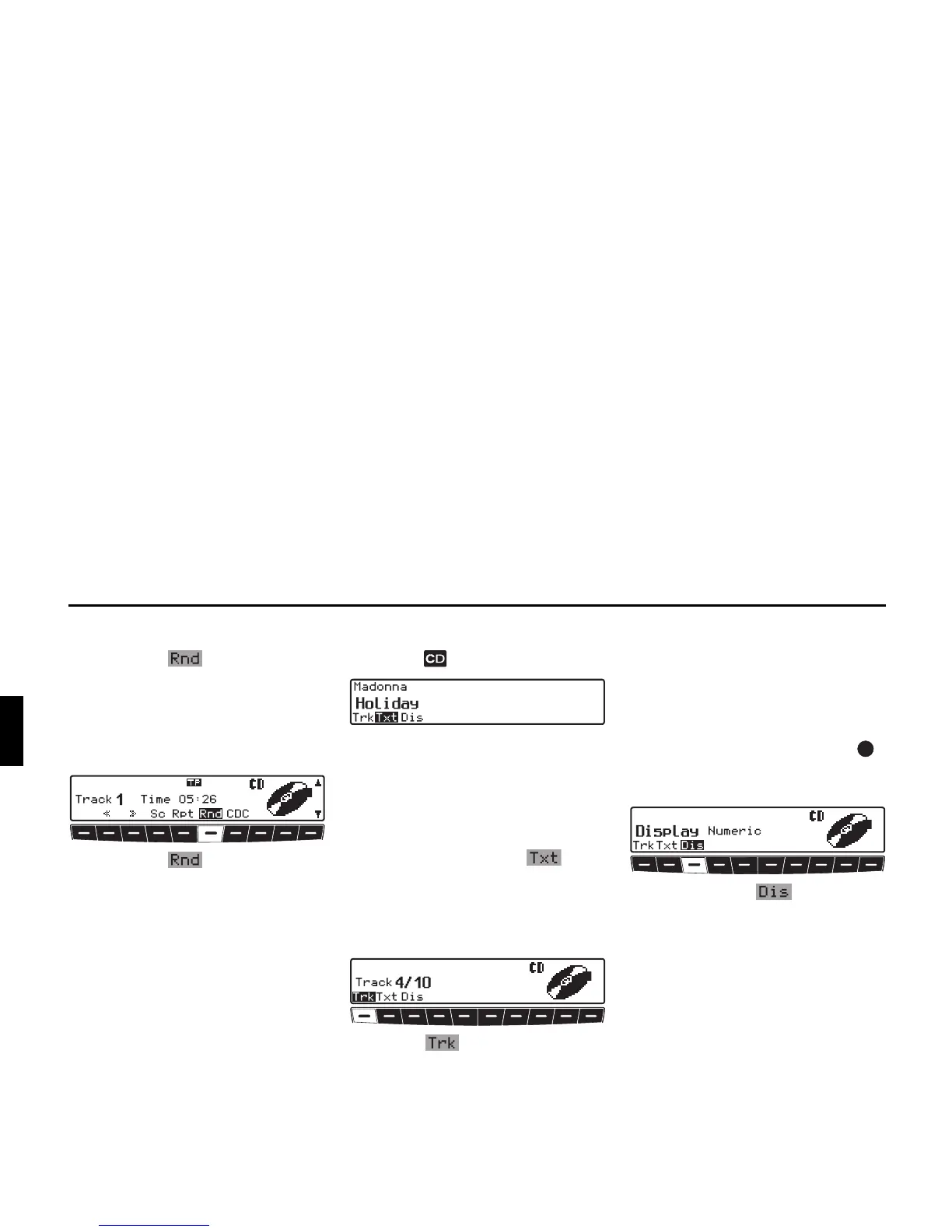
Random play
X Pressing the multifunction but-
ton activates the random play func-
tion.
Subsequently, the tracks on the current
CD will be played in random order. The
prompt
Rnd is displayed inversely.
X Pressing the multifunction but-
ton again deactivates the “Random
Play” function.
CD settings menu
X Press the button in CD mode.
The CD settings menu is displayed. As
additional information, if available, CD
text on the track currently playing is dis-
played.
If another function is selected in the CD
settings menu, you can display the CD
text again by pressing the multi-
function button.
Displaying number of tracks
X Requesting CD settings menu.
X Press the multifunction button.
The current track number and the total
number of tracks are displayed.
Switching between Track/CD
Text display
You can set here whether in the CD
menu the track display is provided by
the numerical track display or by dis-
playing the CD text for the current track.
X Press the left-hand rotary control .
or
X Requesting CD settings menu.
X By pressing the multifunction
button, select either
Numeric (track
display), or
Text (track name).















 To Next Page