68
Radio mode
Switching on AM mode
X Press .
The last selected AM station and the cor-
responding waveband are selected.
Switching on AM menu mode
X Press the button whilst in AM
mode.
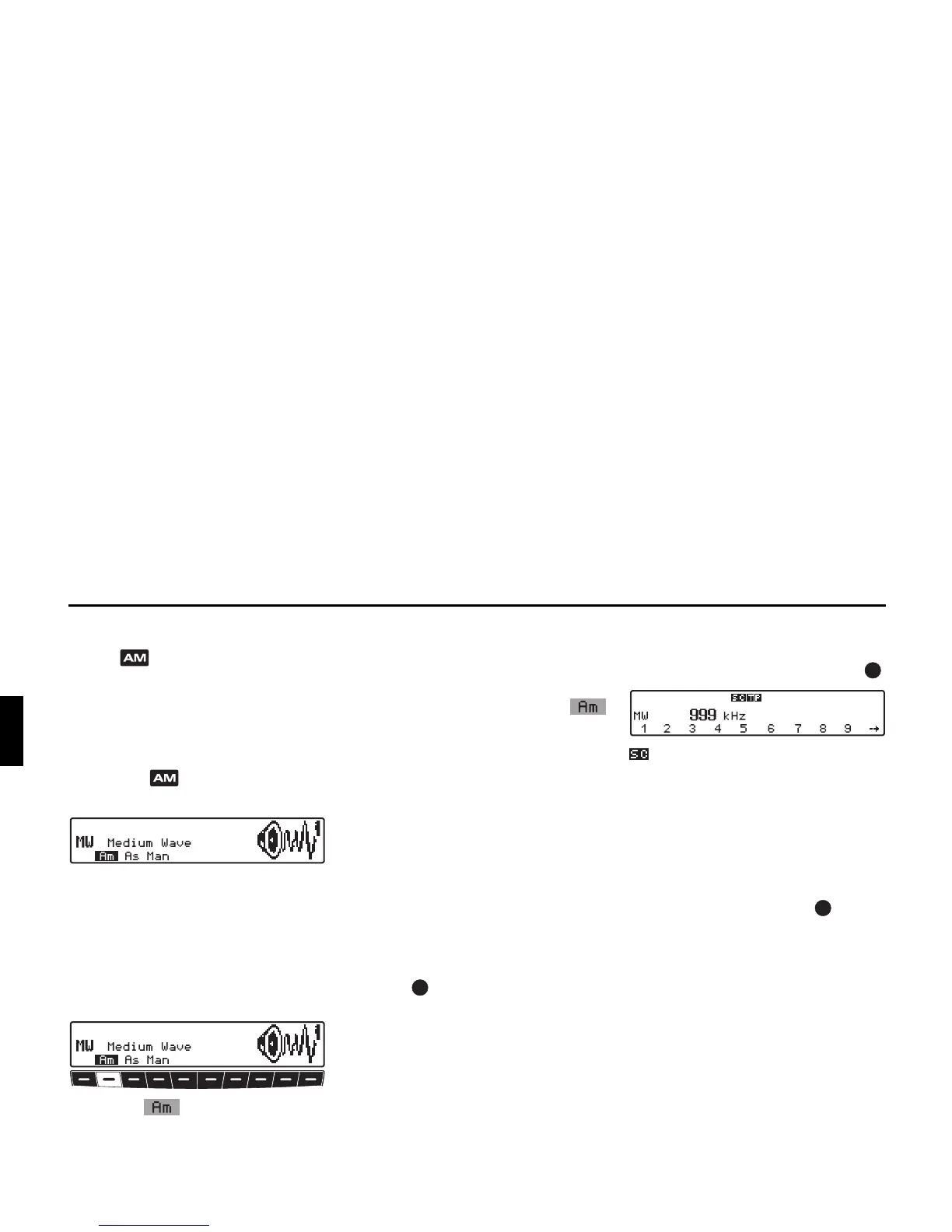
The AM menu mode is activated and
displayed. The unit switches back to
radio mode if no button is pressed within
the next 8 seconds.
Selecting the AM waveband
X Request AM menu mode.
X Press the multifunction button.
The last selected waveband and station
are set.
To select the
MW (Medium Wave), LW
(Long Wave) and SW (Short Wave)
wavebands, repeatedly press the
multifunction button until the desired
waveband is set.
Setting options for station selec-
tion
The desired station can be selected via
station search, Autostore (MW, LW),
scan search, manual tuning and station
buttons.
Station search MW, LW, SW
X On the desired waveband (MW, LW,
SW) turn the right-hand rotary
control to the left or right.
The radio searches for reception fre-
quencies in descending or ascending or-
der of frequency.
Scan search
X In the desired waveband (MW, LW, SW)
press the right-hand rotary control .
appears on the display.
An automatic station search will be initi-
ated. The first run is performed on an in-
sensitive plane, all further runs on a
sensitive plane. Receivable stations will
remain audible for 8 seconds. If you
wish to store the station received, press
the right-hand rotary control .















 To Next Page