GB Sound speed controller SFR-1
06.02.2019 BEIER-Electronic 53
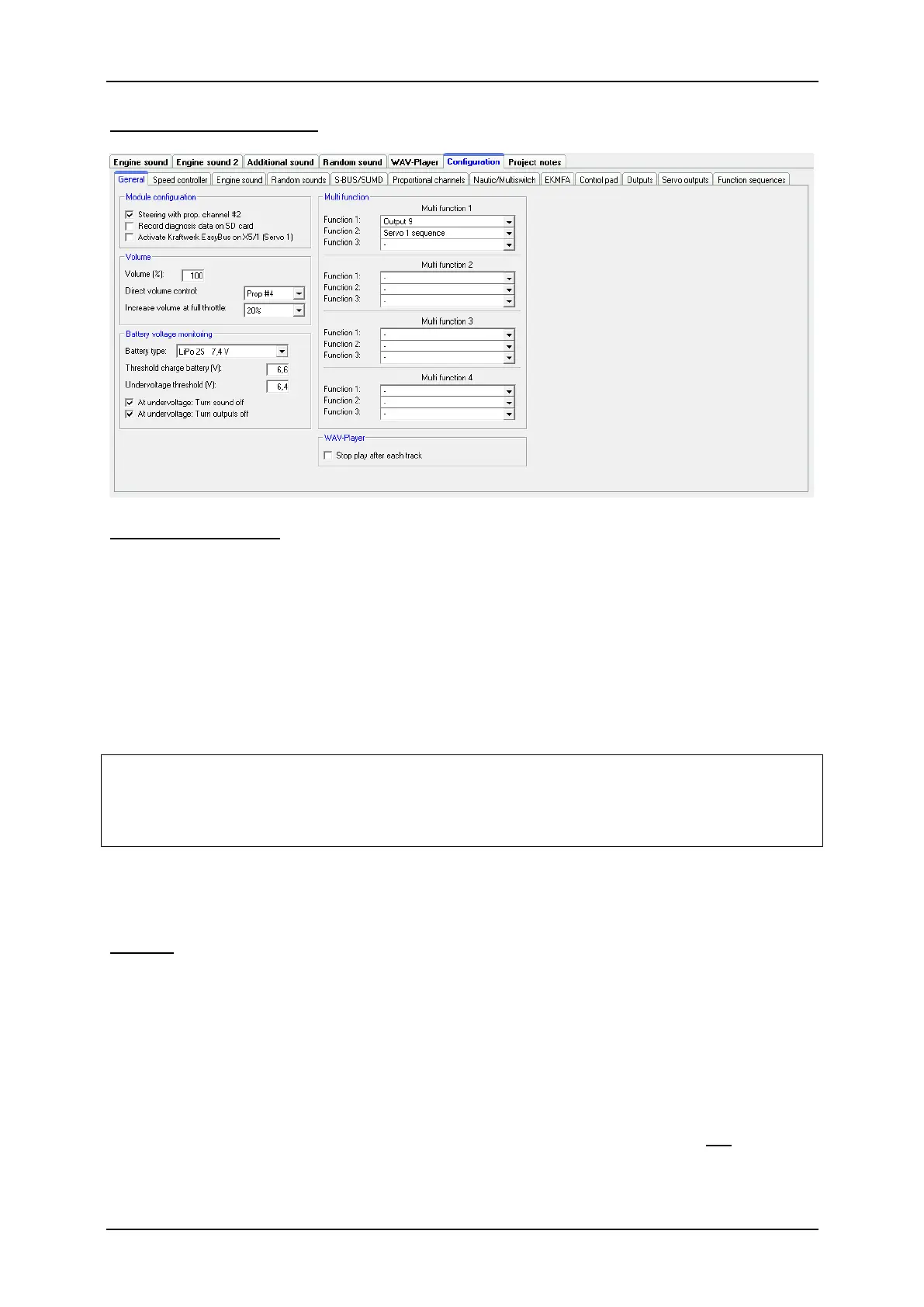
Configuration - General
SFR-1 Configuration
For steering proportional channel #2 can be used. Otherwise #2 can be used as
normal propertional channel to control functions.
For troubleshooting while the module is running, the diagnostic data (data the
soundmodule gets from the receiver) can be saved on SD card. This data can be
read out and displayed in the Sound-Teacher (see 90).
Hint:
More comfortable is the live diagnosis function with the data cable K-USB-2.
Warning!
Only use this diagnosis function for troubleshooting and
switch it off afterwards!
If the diagnosis function is activated, the sound playback may be faulty.
If EasyBus lighting boards from Kraftwerk are to be controlled by the SFR-1, this
must be activated here. Further information, see page 47.
Volume
You can also configure the basic volume (10-100%) of the module here. This
function is helpful if you don’t use a volume control potentiometer. The volume can
also be adjusted e.g. with a proportional channel configured with the functions
“Volume +“ and “Volume -“.
Another option to change the volume with the transmitter is the "Direct volume
control". One of the four proportional channels can be used for a stepless volume
setting. You need a free slide or rotary control at your transmitter for that. However,
this proportional channel can only be used for adjusting the volume and not for any
other functions anymore!



 To Next Page