TX-1xx Series Printer Operation Manual
~ 97 ~
6.LOT. in data:Print a lot number before the weighing data, it will only be
printed once, if necessary, please enter the lot number before each weighing.
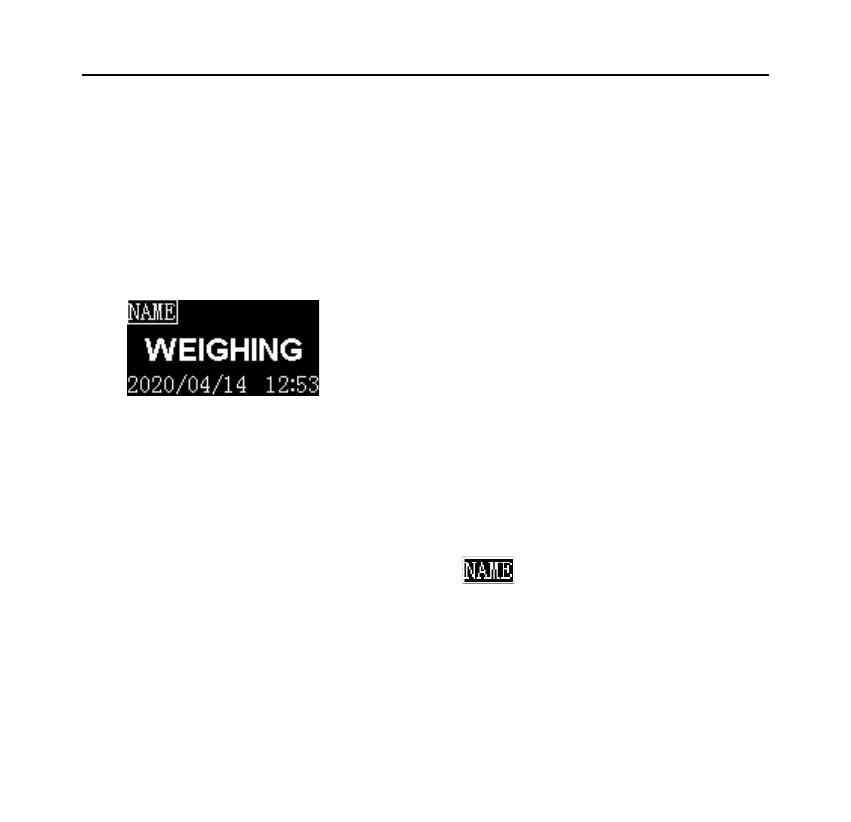
After entering the sample name / lot number and pressing the [BACK] key to
return, the following icon is displayed in the upper left corner of the display:
Memo:
➢ The sample name / lot number printout in the header will be automatically
closed after printing once, if you want to keep the printout without input,
long press [Fn1] key when the icon disappears until the icon is
displayed, the printer will remain in this state until long press [Fn1] key
again, or clear the sample name and lot number.
➢ If the input content is empty, the sample name/lot number will not be
printed, you can enter a space character and fill it out manually.



 To Next Page