TX-1xx Series Printer Operation Manual
~ 47 ~
please refer to Section 8.2.
⚫ When the number of data reaches two or more, you can press [Fn2] to print
the statistical report and end. This operation is equivalent to Section 7.6
"Statistic Mode".
7.4 Tare, Gross, Net Weight Mode
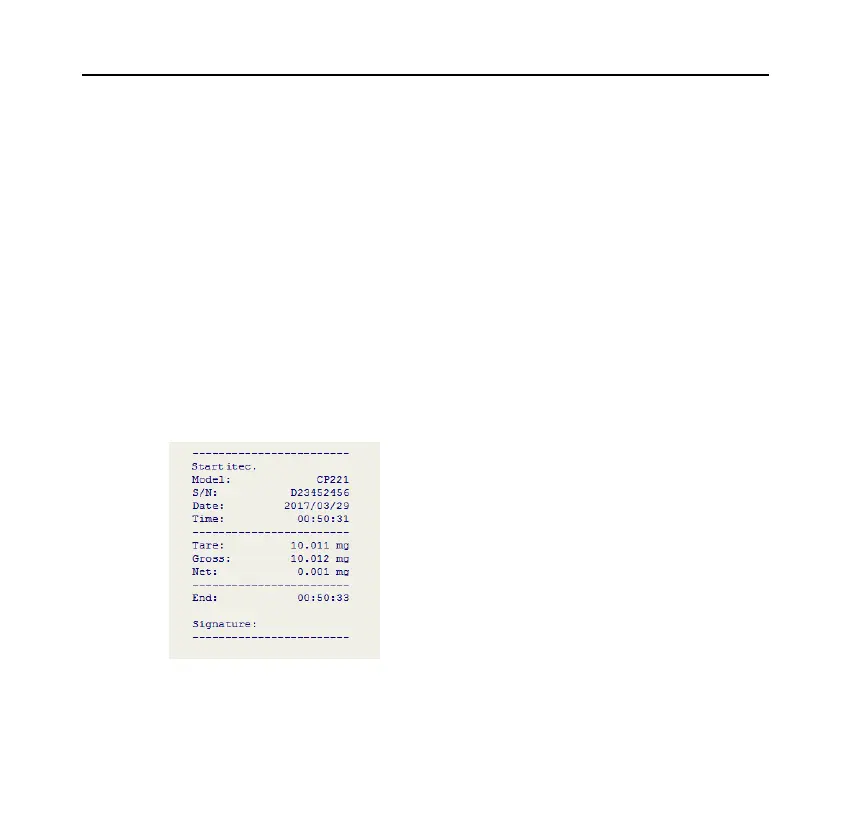
In this mode, the printer can output tare, gross and net weight, as shown below:
First, press the [MODE] key to select the "Tare,Gross,Net" mode then return



 To Next Page