TX-1xx Series Printer Operation Manual
~ 46 ~
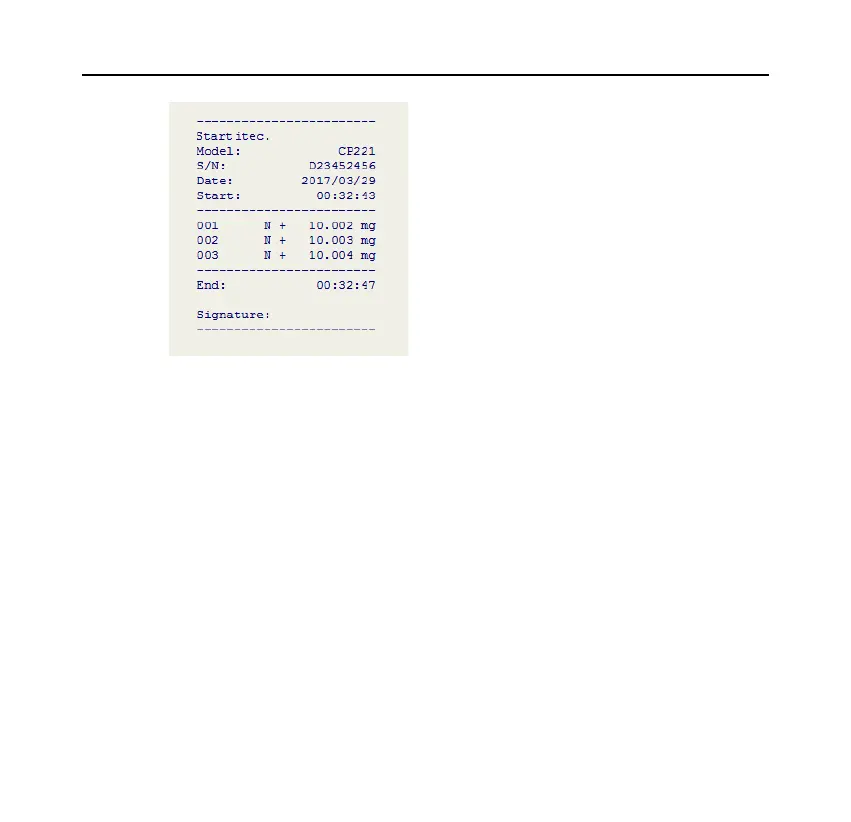
Operation:
⚫ Press [MODE] key and select "Multi Weighing".
⚫ Put the sample into the scale, and after the data is stable, press the [PRINT]
key.
⚫ Repeat the previous step until all samples are weighed, press the [MODE]
key to end and print the trailer.
Memo:
⚫ If you want to modify the format of the header, trailer and weighing data,



 To Next Page