TX-1xx Series Printer Operation Manual
~ 99 ~
9 Parameter Settings
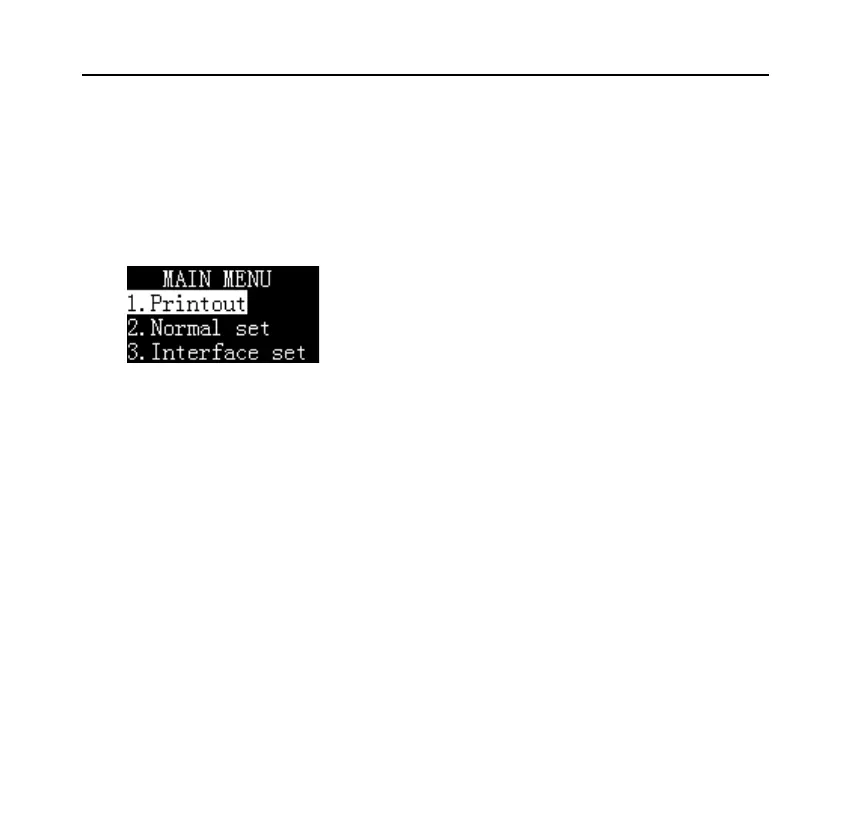
Long press [Menu] key to enter the setting menu, as shown in the following
figure:
Note:
If an administrator password is set, the printer will ask for the correct password.
Press [N/CN] key or [DATE] key to switch the menu items, then press [OK] key
to confirm the selection, press [BACK] key to return to the previous menu. The
function of each key in parameter setting and the detailed operation method of
parameter setting, please refer to Chapter "6. Basic Operation".


 To Next Page