TX-1xx Series Printer Operation Manual
~ 93 ~
➢ Manually stop timing printing
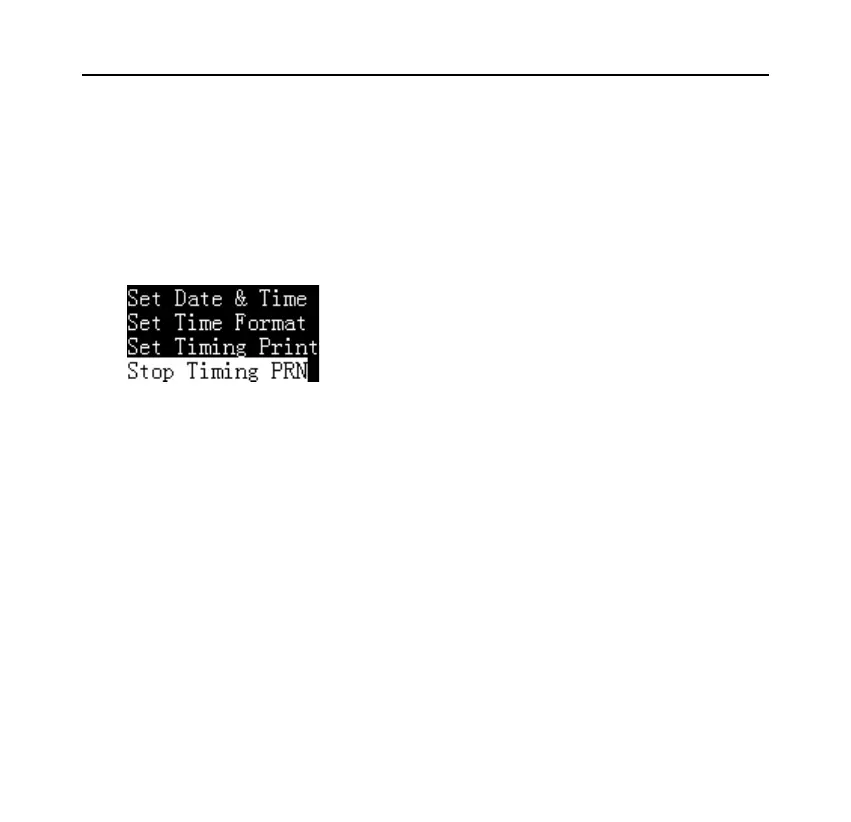
When the timing printing is working, long press the [DATE] key, the printer
displays as shown below:
Select "Stop Timing Print", and then press [OK] to confirm.
8.9 Automatic Tare
Turn on this feature, the printer will automatically control the scale to perform
the tare operation after receiving valid weighing data. In the standby interface,
long press [Fn2] key to turn on / off the automatic tare. The corresponding
status is displayed in the upper right corner of the screen, as shown below:



 To Next Page