TX-1xx Series Printer Operation Manual
~ 111 ~
10.2 Battery Charging
When the battery voltage is low, connect the power adapter to printer, the printer
will automatically charge the battery, if you want to manually charge the battery,
you can refer to the following operation methods:
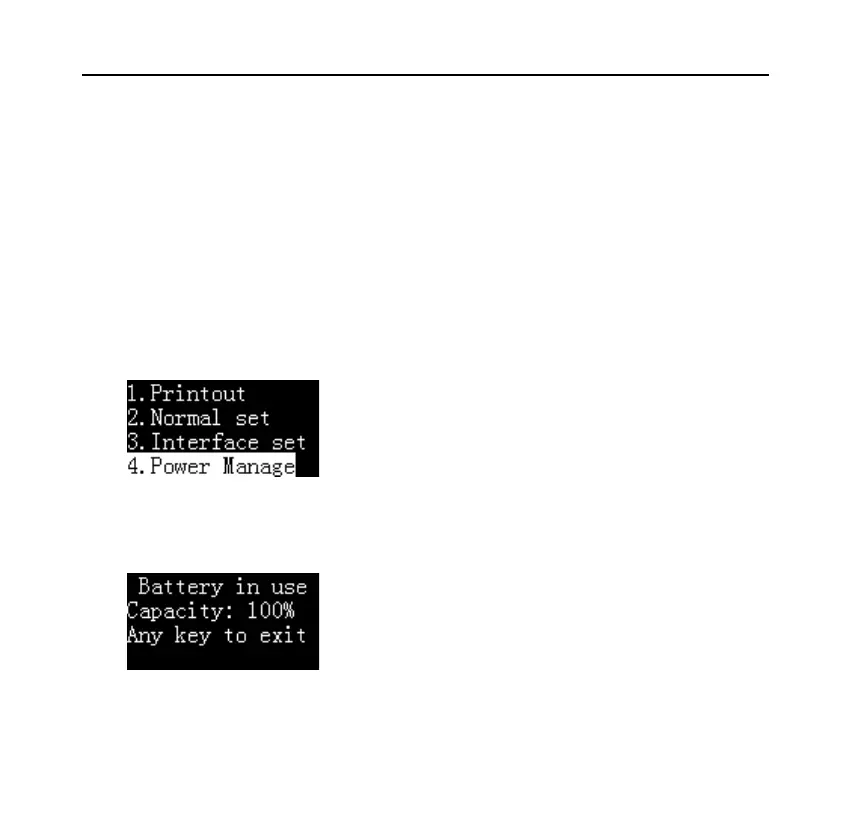
Long press [MENU] key to enter the main menu and switch to "Power
Management", as shown below:
Press [OK] key to enter, as shown below:
Long press the [MENU] key to manually start battery charging


 To Next Page