TX-1xx Series Printer Operation Manual
~ 110 ~
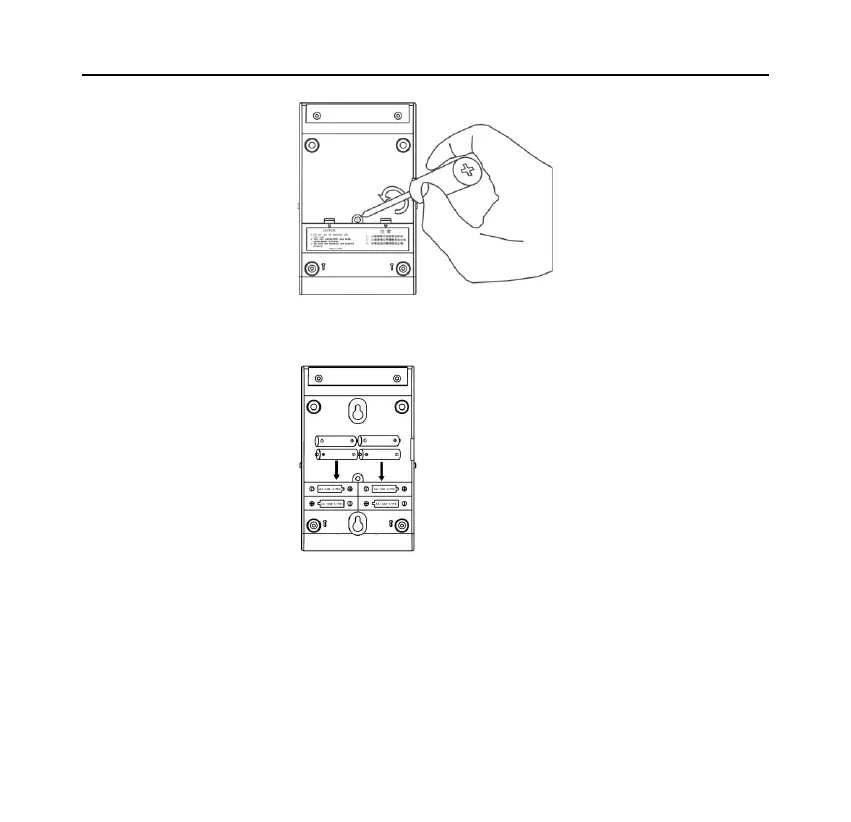
Please insert the battery in the correct direction as shown below:
Replace the battery cover and tighten the screws. Connect the printer to the scale
and turn on the printer power switch. At this time, the battery status is displayed
in the upper left corner of the display.



 To Next Page