TX-1xx Series Printer Operation Manual
~ 81 ~
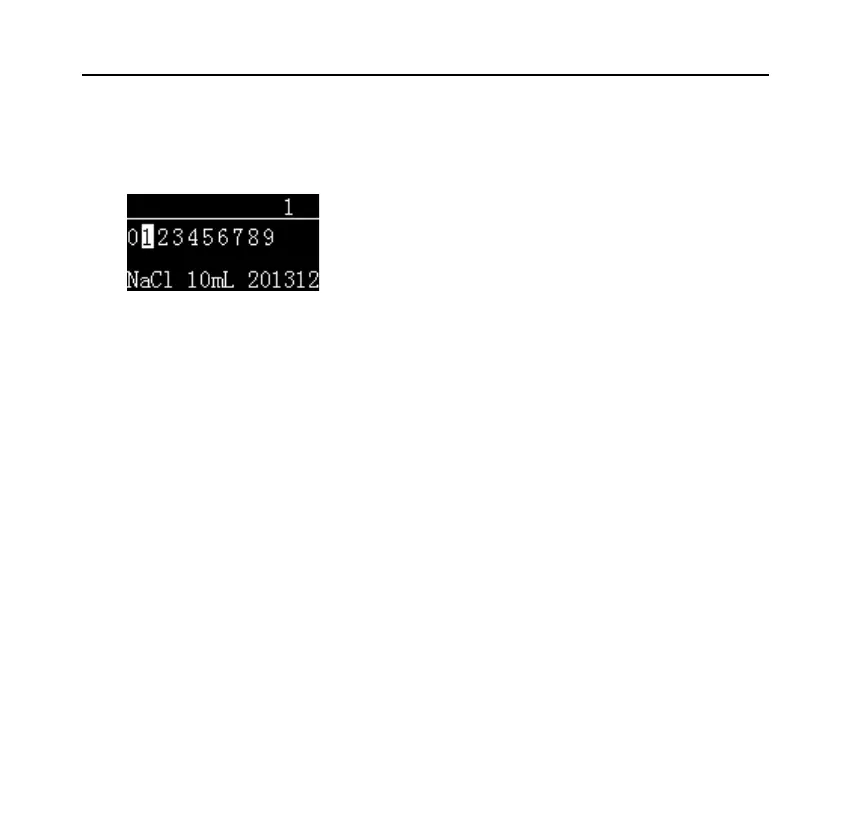
If necessary, select "2. Sample Code" or "5. Code in data" and press the
[OK] key, as shown in the following figure:
Enter the code, the corresponding name is displayed at the bottom of the screen,
and press the [OK] key to exit.
8.5 Administrator Password Setting
To prevent unauthorized changes to time and other important settings, a 6-digit
password can be set. Long press the [MENU] key to enter the setup menu. If the
password is currently set, the correct password must be entered first. Select
"Normal set" and switch to "Password", as shown below:



 To Next Page