TX-1xx Series Printer Operation Manual
~ 82 ~
[OK]-> [N/CN] or [DATE]->
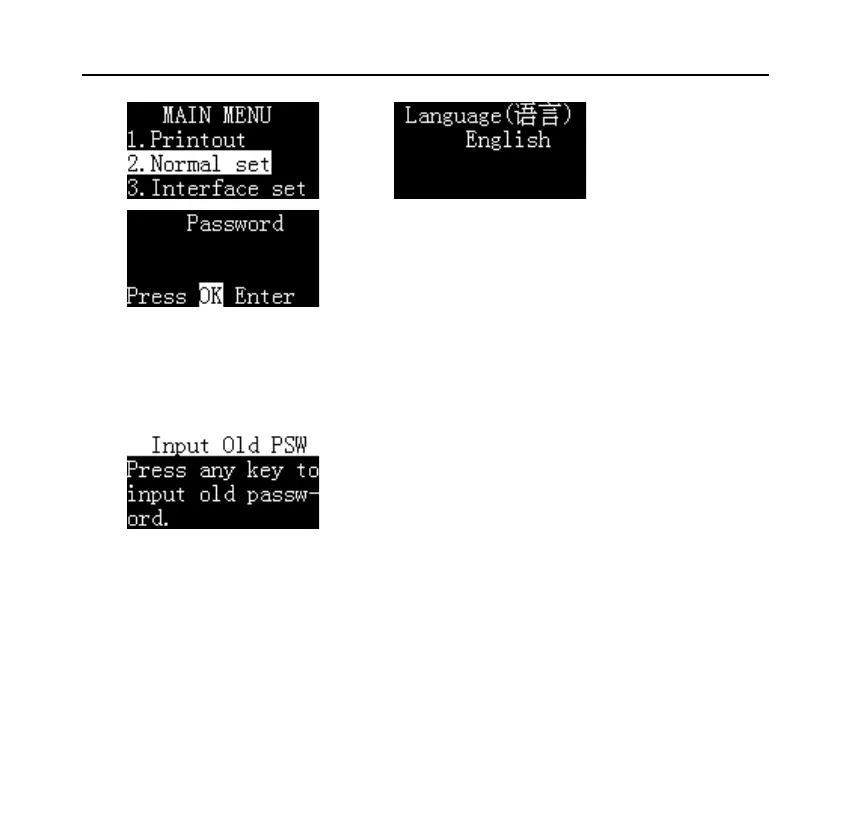
Press [OK] key, if the password has been set before, the printer will ask for the
current password, as shown below:
After entering the correct password, the printer asks for a new password, as
shown below:



 To Next Page