TX-1xx Series Printer Operation Manual
~ 83 ~
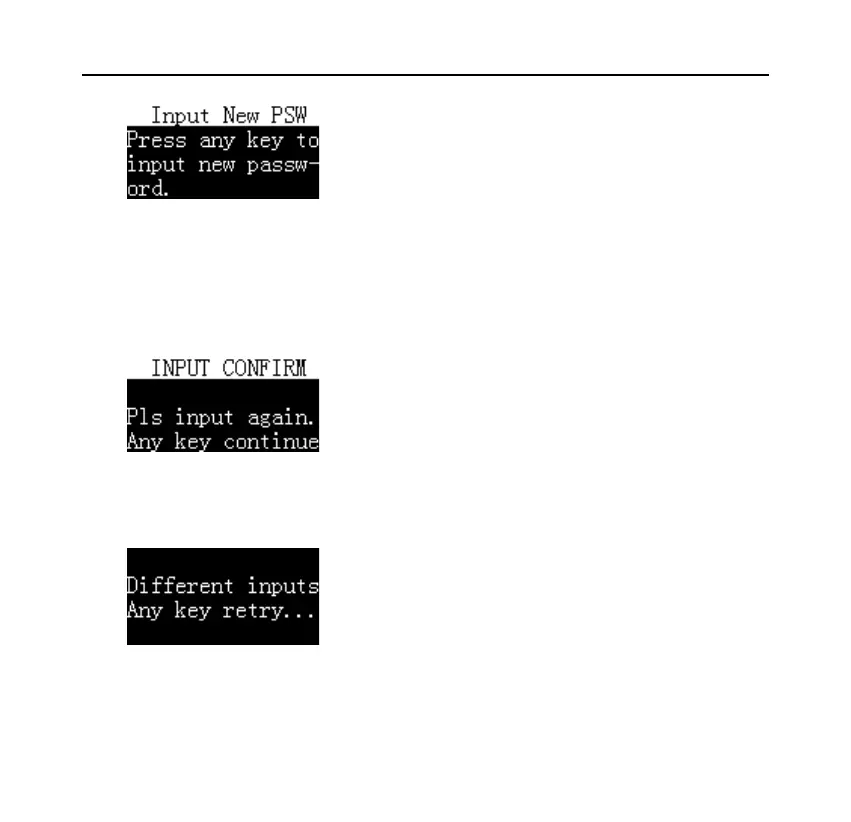
Press any key, and then enter the new password, the maximum length is 6 digits,
in order to confirm the entered password, after the input is completed, the printer
requests to enter it again, as shown in the following figure:
The password entered twice must be exactly the same, otherwise the information
shown in the figure below is displayed:
In this case, follow the prompts to restart the setup.



 To Next Page