TX-1xx Series Printer Operation Manual
~ 38 ~
The device ID is designated by the user and needs to be set by itself.
Please refer to Section 9.1 "Printout" ->"Header" for detail.
6.8 Select Operation Mode
In order to meet different application requirements, the printer is set with
multiple operation modes, and the report styles of these modes are also different.
For the usage and report style of different modes, please refer to Chapter 7.
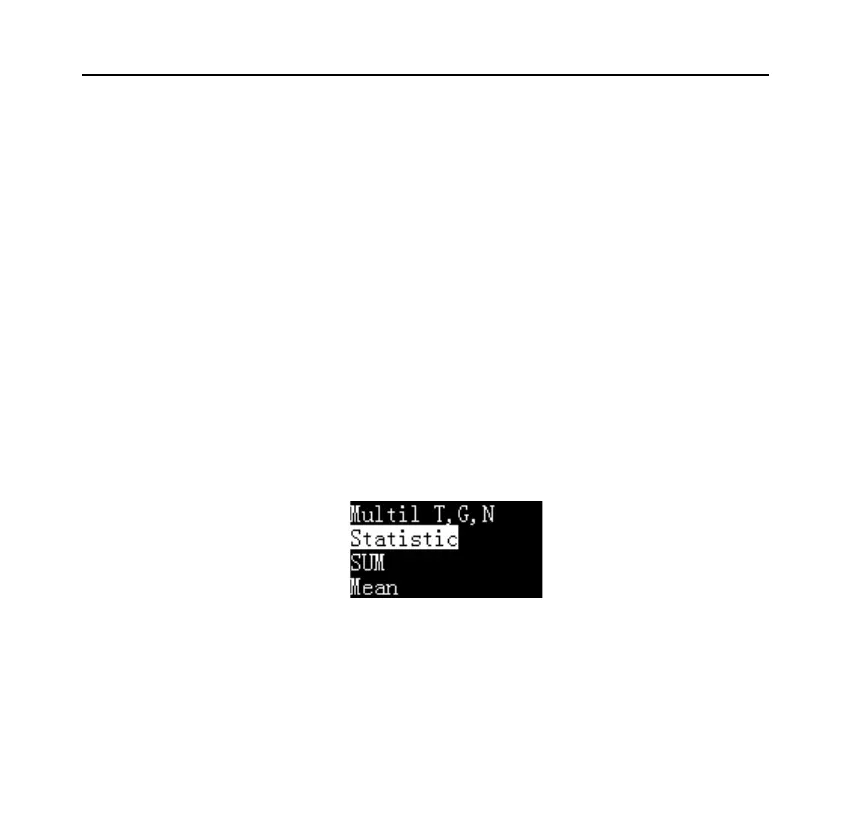
In the standby interface, press the [MODE] key, the display shows the available
operating modes, as shown below:
Press [N/CN] or [DATE] key to select the desired mode, and press [OK] key to
confirm.



 To Next Page