TX-1xx Series Printer Operation Manual
~ 28 ~
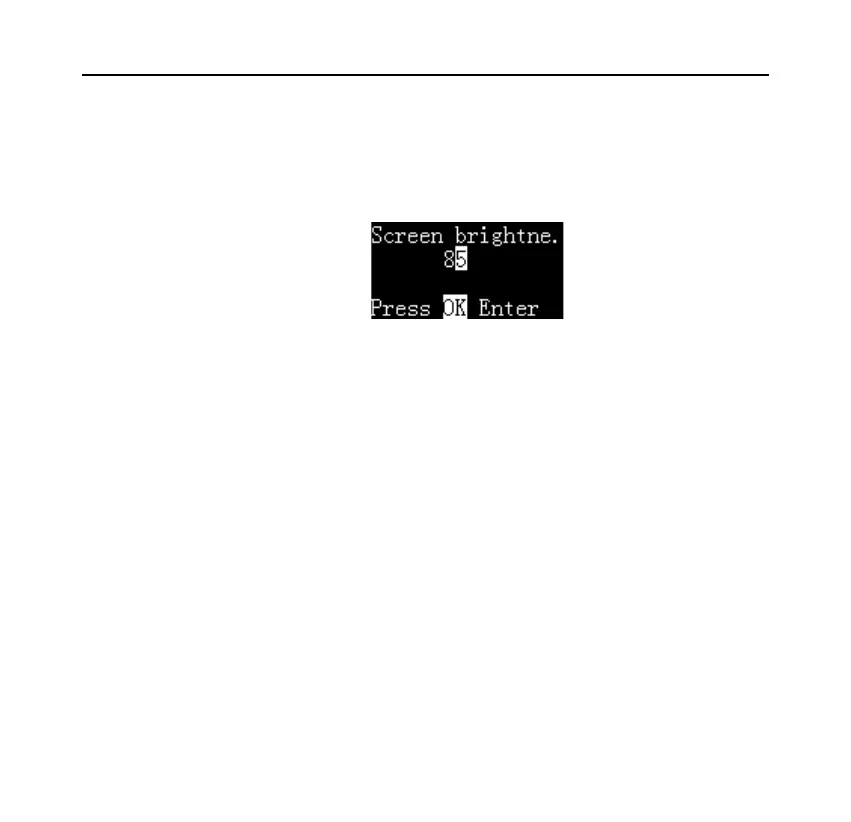
In the above figure, the current screen brightness is 85, if need to modify it,
please follow these steps:
⚫ Press the [OK] key, then the value is highlighted, as shown in figure below:
⚫ Press [N/CN] or [DATE] key to change the value; press and hold these keys
can increase/decrease the value quickly.
⚫ Press [Fn1] or [Fn2] key to change the input position, in this example, the
input position can be switch between tens and ones, and then press [N/CN]
or [DATE] to adjust values, this feature can speed up the input.
⚫ After input, press [OK] key to save and return.
⚫ Press the [Back] key to abandon the modification and return, the setting
value will not be modified.
6.3.3 Character input



 To Next Page