TX-1xx Series Printer Operation Manual
~ 29 ~
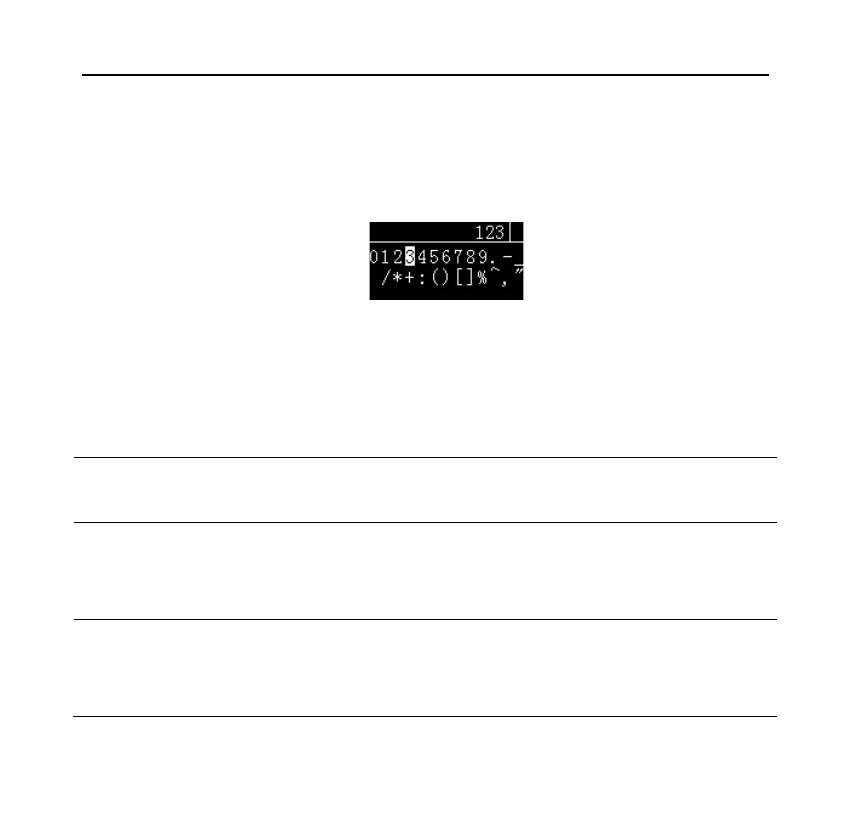
The printer supports standard ASCII (American Standard Code for Information
Interchange) character input, including numbers, symbols, and upper and lower
case characters. The following figure shows the character input dialog style:
The highlighted character of candidate area is the candidate character, the
location is called candidate position, the following is the function of each key in
the character input:
Press this key, the candidate characters will be input to the
cursor position in the input area.
Press this key, the candidate position will move to the left,
if it has reached the leftmost position, it will automatically
jump to the rightmost position.
Press this key, the candidate position will move to the right,
if it has reached the rightmost position, it will automatically
jump to the leftmost position.



 To Next Page