TX-1xx Series Printer Operation Manual
~ 30 ~
Press this key, the candidate position will move up, if it has
reached the top position, it will automatically switch to the
previous group of candidate characters.
Press this key, the candidate position will move down, if it
has reached the bottom position, it will automatically
switch to the next set of candidate characters.
Press this key, the recently entered characters will be
deleted, and long press this key will clear all the input
content.
Press this key to confirm the entry and exit.
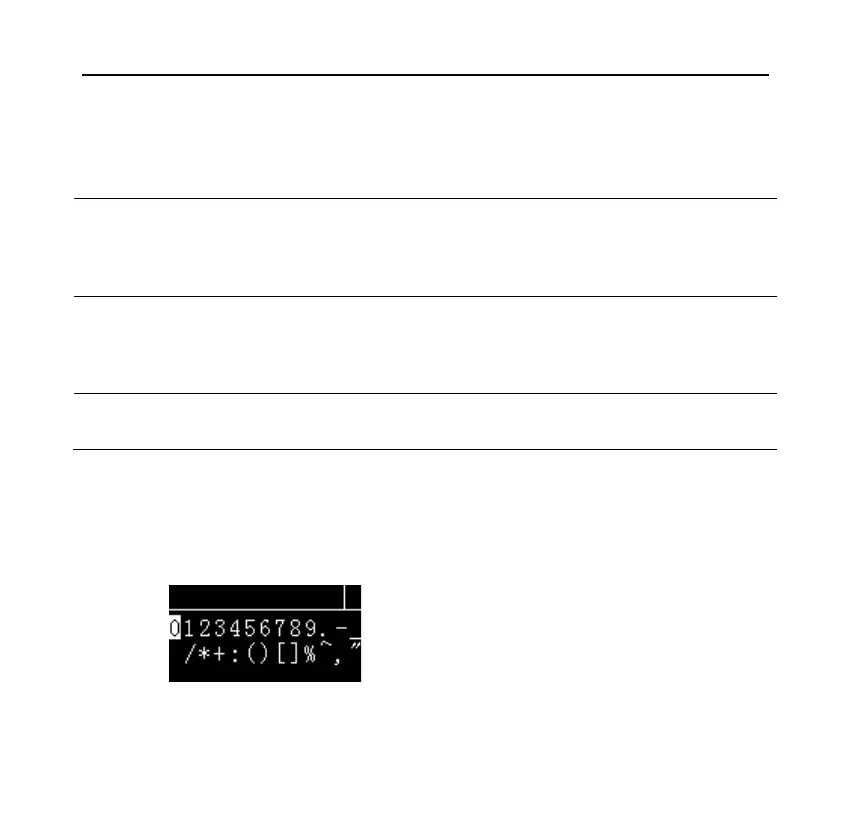
Here take the input "12-A" as an example to explain the operation method:
⚫ First, the display shows as follows:



 To Next Page