TX-1xx Series Printer Operation Manual
~ 31 ~
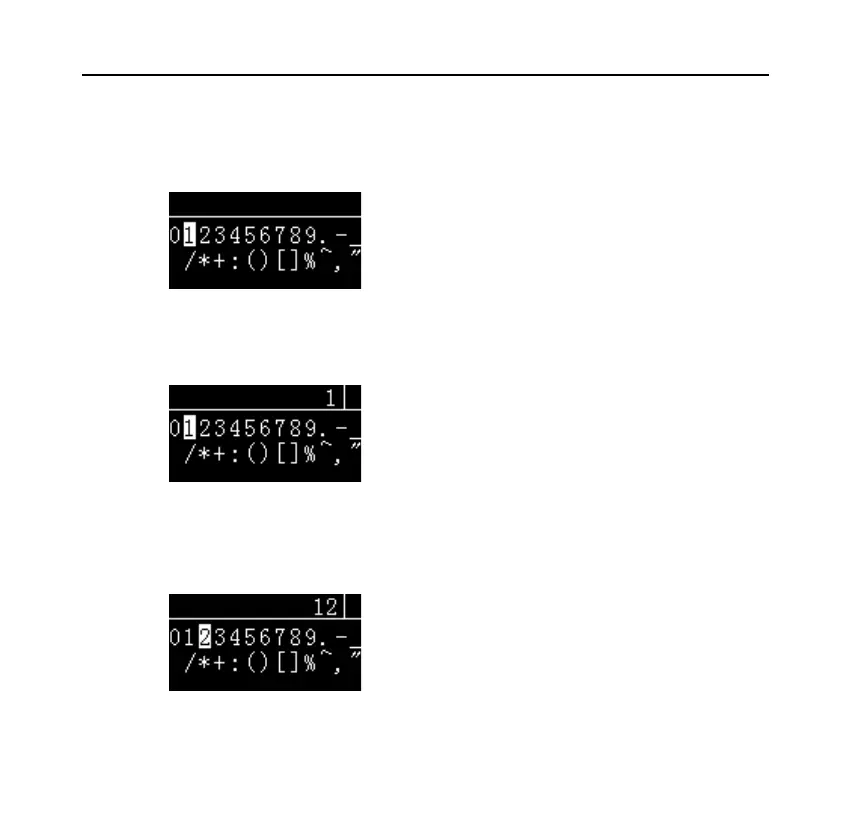
⚫ Press [Fn2] key to move the candidate character to "1", as shown in the
following figure:
⚫ Press the [PRINT] key, the input area displays "1", as shown below:
⚫ Continue to press the [Fn2] key, move the candidate character to "2", and
press the [PRINT] key, the input area displays "12", as shown in the
following figure:



 To Next Page