TX-1xx Series Printer Operation Manual
~ 67 ~
allows each output item to be turned on and off, and can set the content of each
output option.
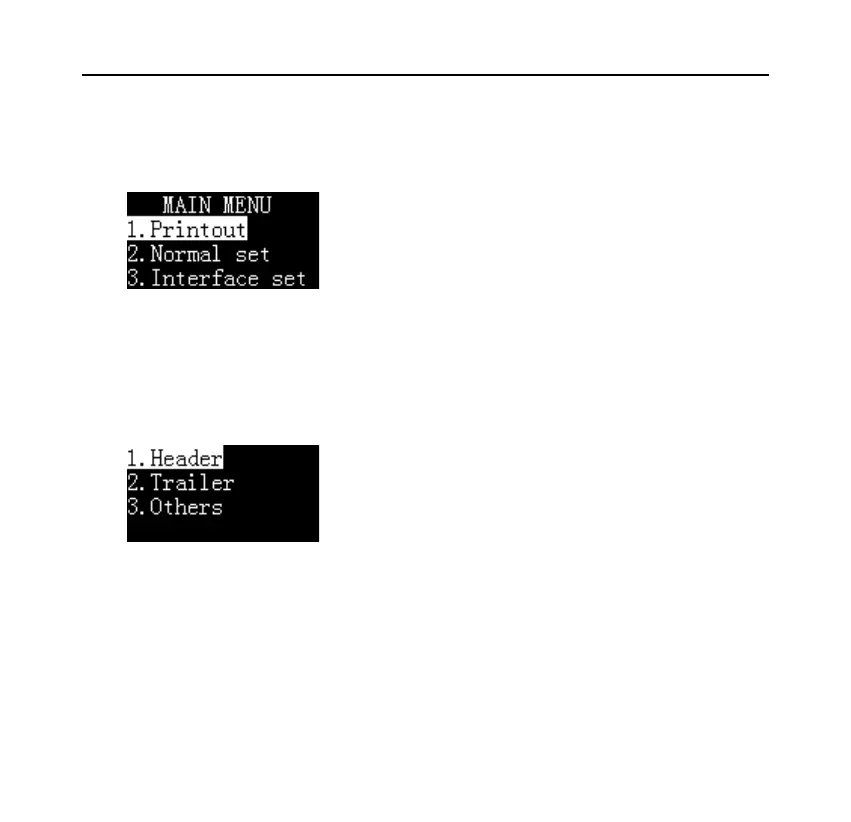
Long press the [MENU] key to enter the setting menu, as shown below:
Note: If an administrator password is set, you need to enter the correct password
before entering the menu.
Select "1. Printout" and press the [OK] key to confirm, as shown below:
The user can set the header, trailer and other output options separately.



 To Next Page