Connecting to a Host
The scanner provides several data transmit methods to communicate with the host. User
may select the method according to their preferences. Read this section to learn the
setups for connecting to different hosts.
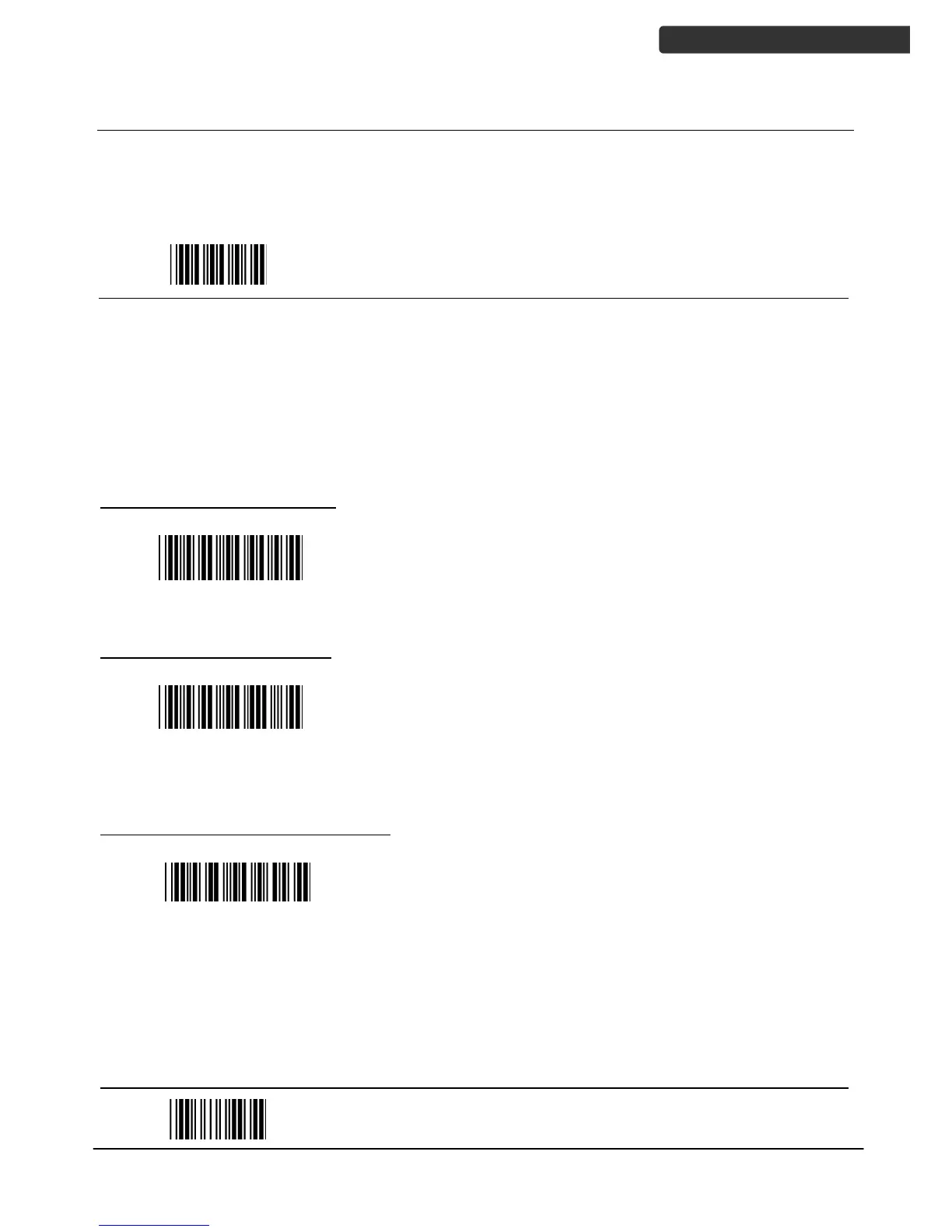
USB Online Mode
The scanner connects directly to a USB host to recharge and transmit data. You may
enable or disable the functions using the following settings.
Disable USB communication
Disable USB communication.
Wireless connection as the primary communication
option to the host. USB connection is only used when
wireless is disconnected.
Set USB as the primary connection
USB online scan, Ignore
radio communication
USB connection as the primary communication option
to the host when it is available. Wireless mode is set
as the secondary option.


 To Next Page