IBM PC/AT/PS/2 Keyboard emulation
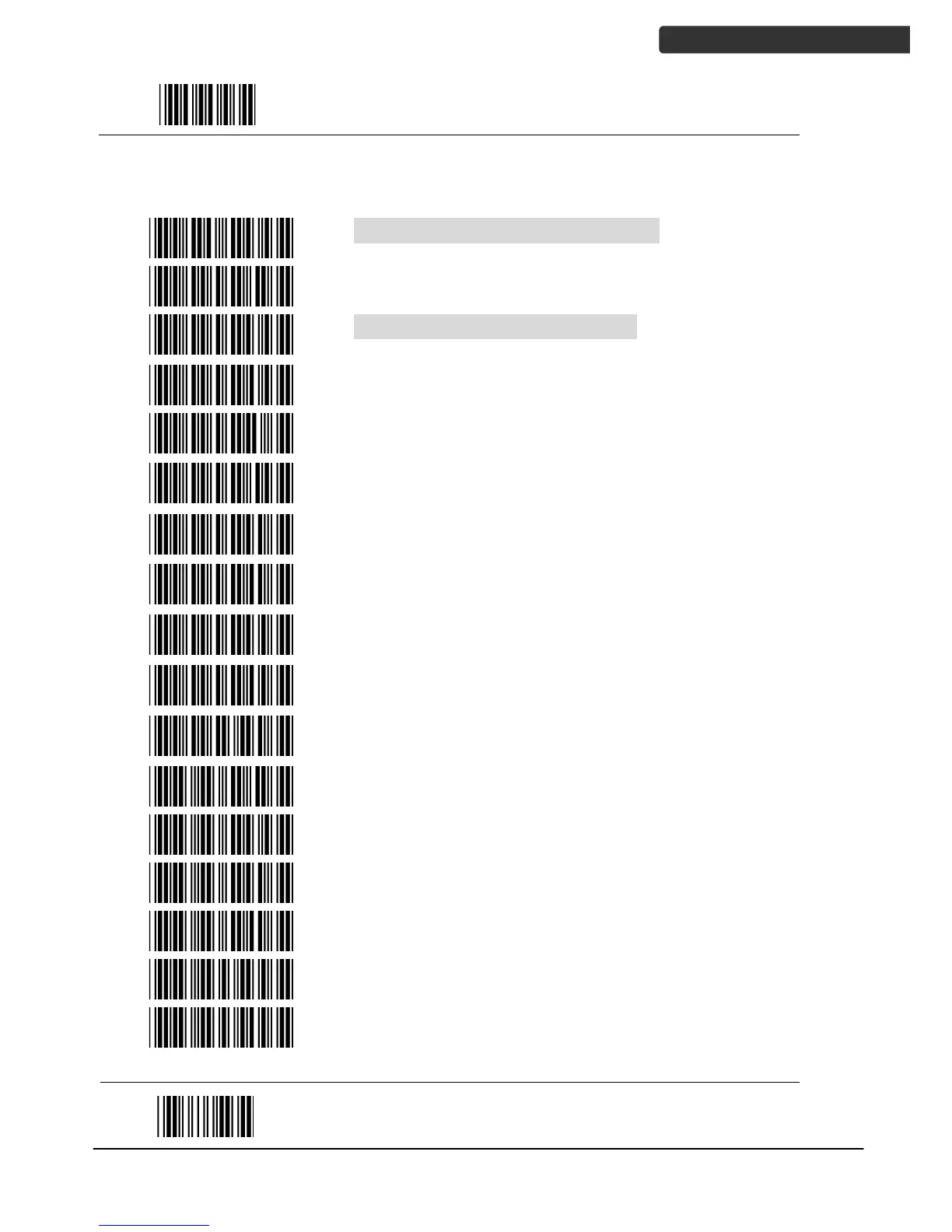
International Keyboard mode ( ALT method)
Keyboard language support---USA
Keyboard language support---UK send scan code
Keyboard language support---GERMANY
Keyboard language support---FRENCH send scan
code
Keyboard language support---SPANISH send scan
code
Keyboard language support---ITALIAN send scan
code
Keyboard language support---Switzerland send scan
code
Keyboard language support---Belgium send scan
code
Keyboard language support---Japanese
Function key emulation enable
Function key emulation disable
Send number as normal data
Send number as keypad data



 To Next Page