EasyManua.ls Logo

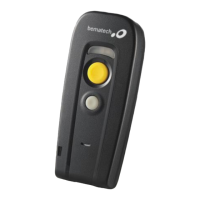
Bematech BR200BT - Scan Mode

Bematech BR200BT
89 pages
Print Icon
To Next Page IconTo Next Page
To Previous Page IconTo Previous Page
Loading...
Handy Wireless Scanner
28
USER MANUAL
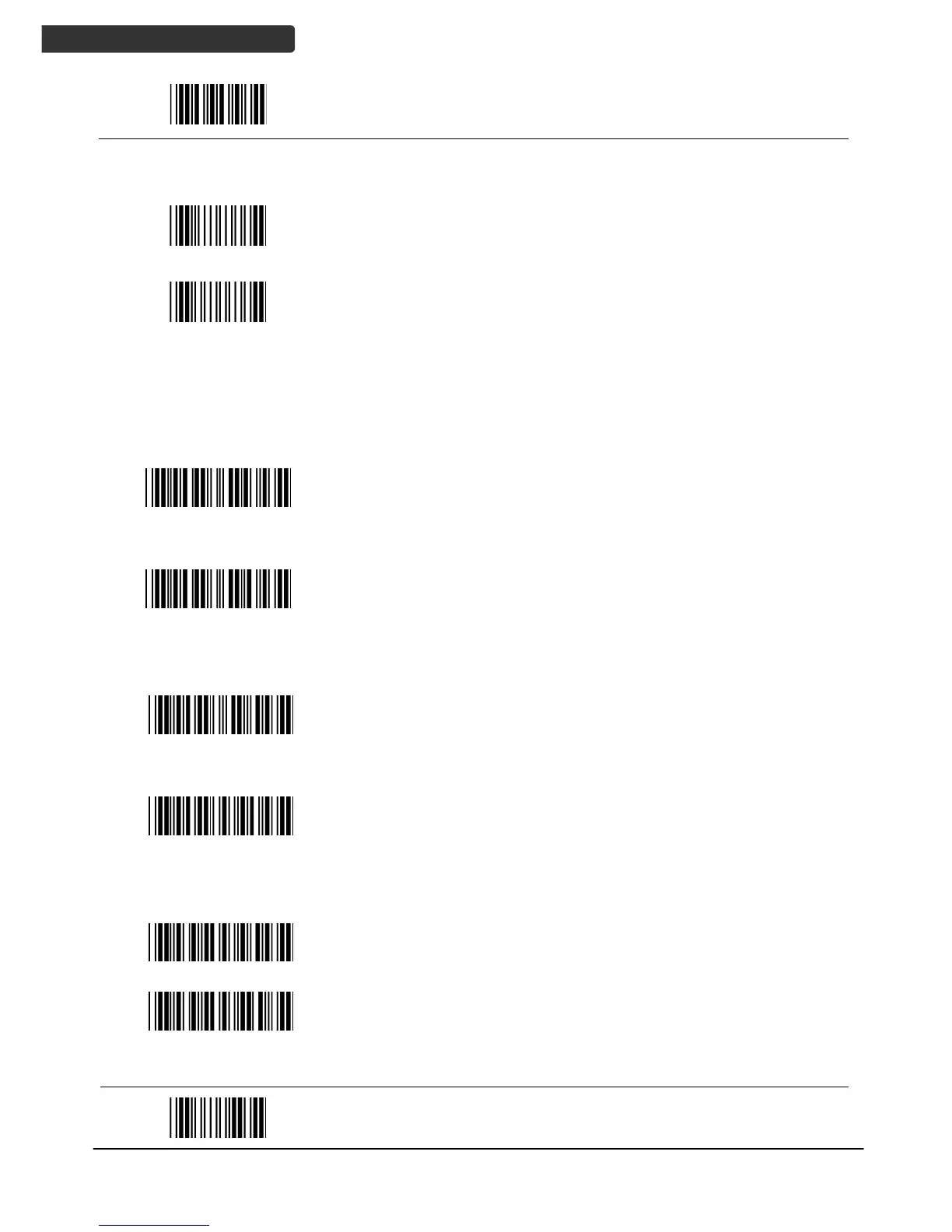
Start Of Configuration
Barcode Value
Description
Display firmware version
Abort
(exit programming mode without any updates)
Scan Mode
Trigger mode
The scanner becomes inactive as soon as the data is
transmitted. It must be triggered to become active again.
Auto scan mode
The scanner is still active after the data is transmitted but
the successive transmission of the same barcode is not
allowed when the trigger switch is pressed again.
Alternate mode
The scanner illumination alternates between on and off
when the trigger switch is pressed.
Presentation mode
Also called auto trigger mode. The scanner is inactive but
will automatically detect barcodes presented in the scan
zone and become active.
Idle mode enable
Idle mode disable
Disable Idle mode.
End Of Configuration

Table of Contents