29
Adjusting the projected Image
Adjusting the image position
The projected image position and Size can be adjusted manually from the control panel or the
remote control unit. Refer to the following guides to adjust Picture Position manually.
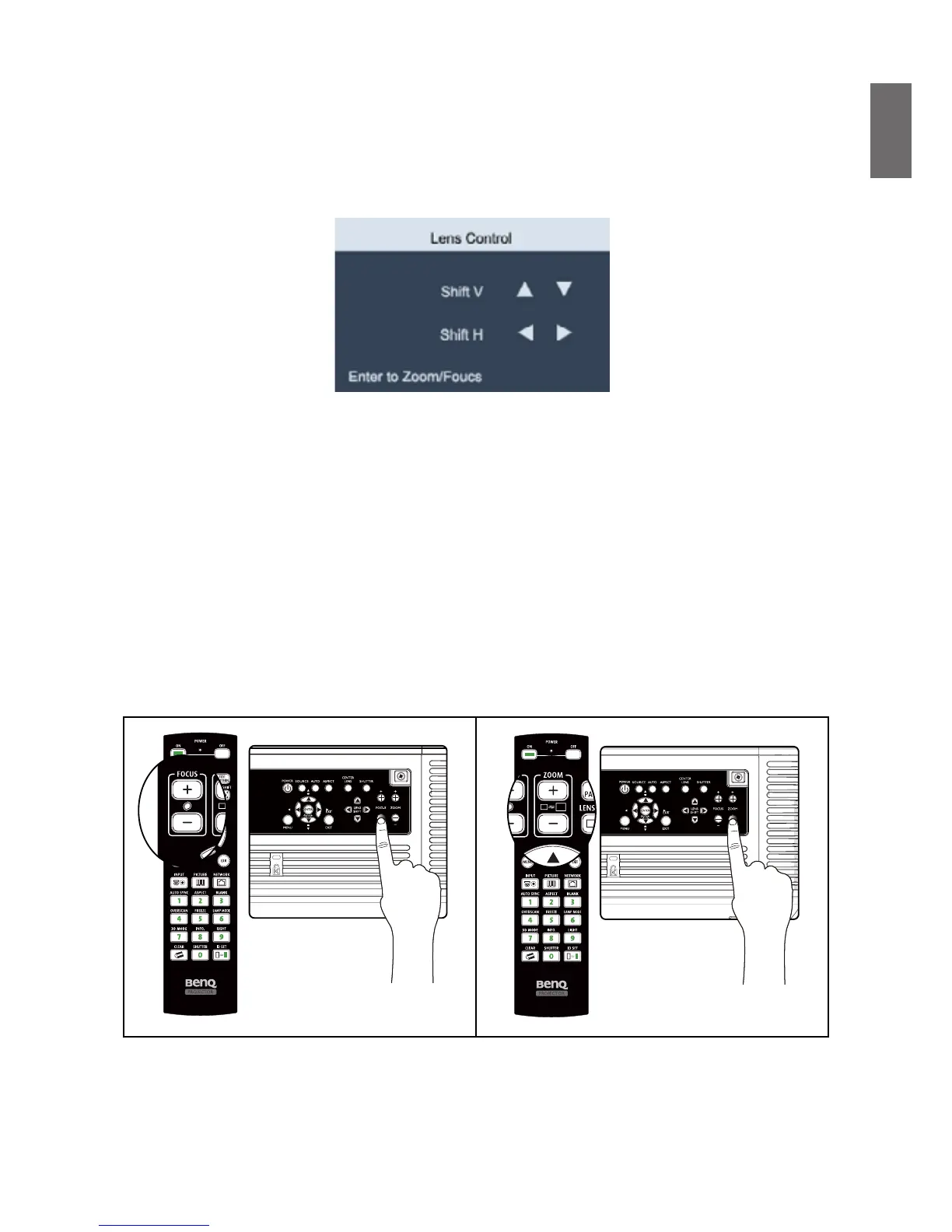
1. Press the LENS SHIFT key on the projector in any direction or LENS SHIFT key on the remote
control to bring up the Lens Shift window.
2. Press the directional key as required to shift the image. Releasing the directional key will
recenter the cursor.
Fine-tuning the image size and clarity
1. Press the ZOOM + or ZOOM- button on the control panel or the remote control to adjust
the projected imaged as you desired.
2. Sharpen the picture by pressing FOCUS+ or FOCUS- button on the control panel or the
remote control.



 To Next Page