31
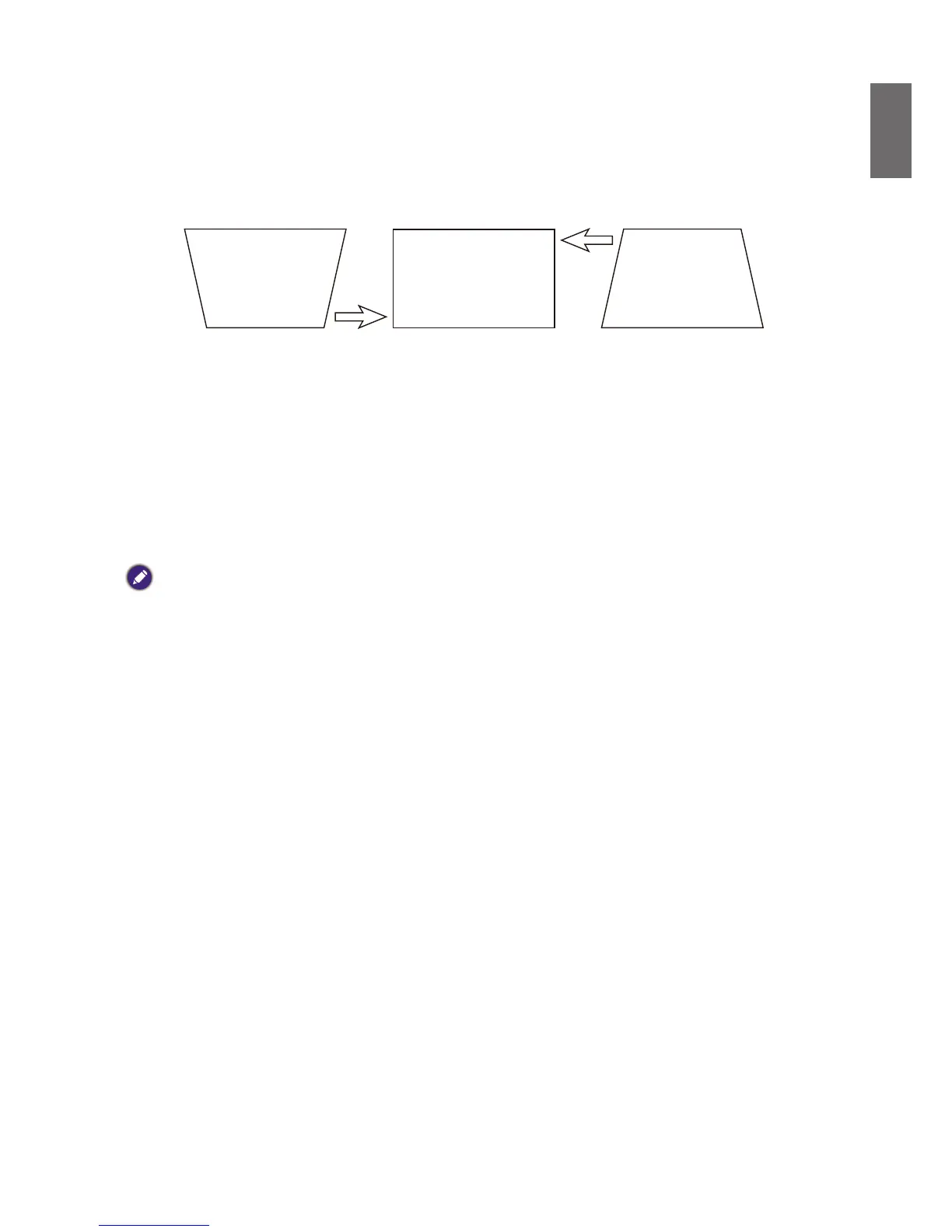
Correcting picture distortion
When the image is projected either from the top or from the bottom towards the screen at angle,
the image becomes distorted trapezoidally. Keystone function in the ALIGNMENT>Keystone can
be used to correct trapezoidal distortion, press
◄
/
►
button to correct trapezoidal distortion till
youaresatisedwiththeshape.
When the values reach their maximum or minimum with repeated key presses, the picture’s shape
will stop changing. You will not be able to change the picture further in that direction.
Auto-adjusting the image
In some cases, you may need to optimize the RGB picture quality. To do this, press AUTO key on
the remote control or control panel, the built-in Intelligent Auto Adjustment function will re-adjust
the values of Frequency and Clock to provide the best picture quality.
Note:
This function is only available when a PC signal (analog RGB) is selected.



 To Next Page