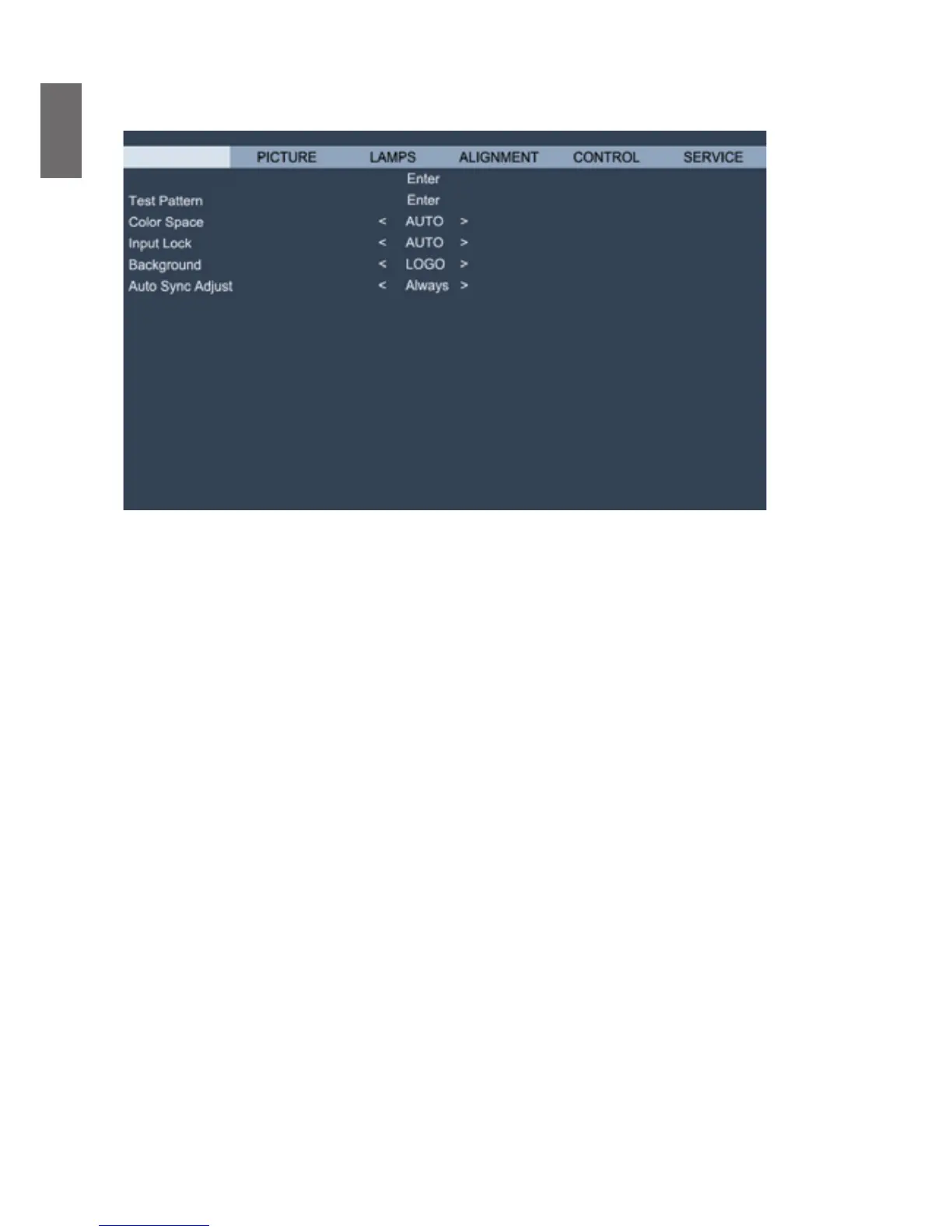
• Source
This functions is the same as the Hotkey on your remote controller. You can select the desired
input source with the remote controller or this function.
HDMI
This is the terminal to input HDMI signals from PC or media device.
DVI-D
his is the terminal to input DVI-D signals from PC.
Computer-1
This is the terminal to input RGB signals from PC.
Computer-2
This is the terminal to input YCbCr/YPbPr or RGB singals(RGBHV) from PC or media
device.
DisplayPort
This is the terminal to input DisplayPort signal from PC or media device.
HD Connect
Thisistheterminaltoinputuncompressedhigh-denitionvideo(HD)viaRJ-45cable.
• Test Pattern
The projector features a set of test patterns for installation and adjustment. Select the test
pattern function in OSD or press the TEST PATTERN button on your remote controller to
display the first test pattern, press again to display the next one. Repeat to scroll through
available test pattern or press the Exit button to exit.
• Color Space
This function enables you to change color space of input signal. In most cases, you can select
Auto to adopt the color space automatically set by the projector. You can select one the
followingoptionstousespeciccolorspaceinstead:
Auto: The projector switches to valid color space by detecting input signal.
YCbCr: Set color space to ITU-R BT.601.
YCbCr: Set color space to ITU-R BT.709.
RGB-PC: Set color space to RGB with black set to 0,0,0 and white to 255, 255, 255 (for 8-bit
image).



 To Next Page