43
the internal heat energy out of the projector and ensure its normal operation. However,
the projector may turn off automatically if it is used in an environment at excessively high
temperature or in an area at a high altitude. In this case, you can enable this function by setting
it to ON and have the cooling fan operate at a higher speed to control the internal temperature
of the projector.
Note:
An area is considered high altitude when it is above 5000 feet.
• Custom Power Level
Press
◄►
arrow key to customize lamp output power in the range of 75-100% of normal
mode. This function is valid only when the Custom Power Level option is set to Custom Power
Level mode. In the other two modes, Normal and ECO, this function is disabled (dimmed).
• Lamp 1 Status
Indicates status of lamp 1 now, ON or OFF.
• Lamp2 Status
Indicates status of lamp 2 now, ON or OFF.
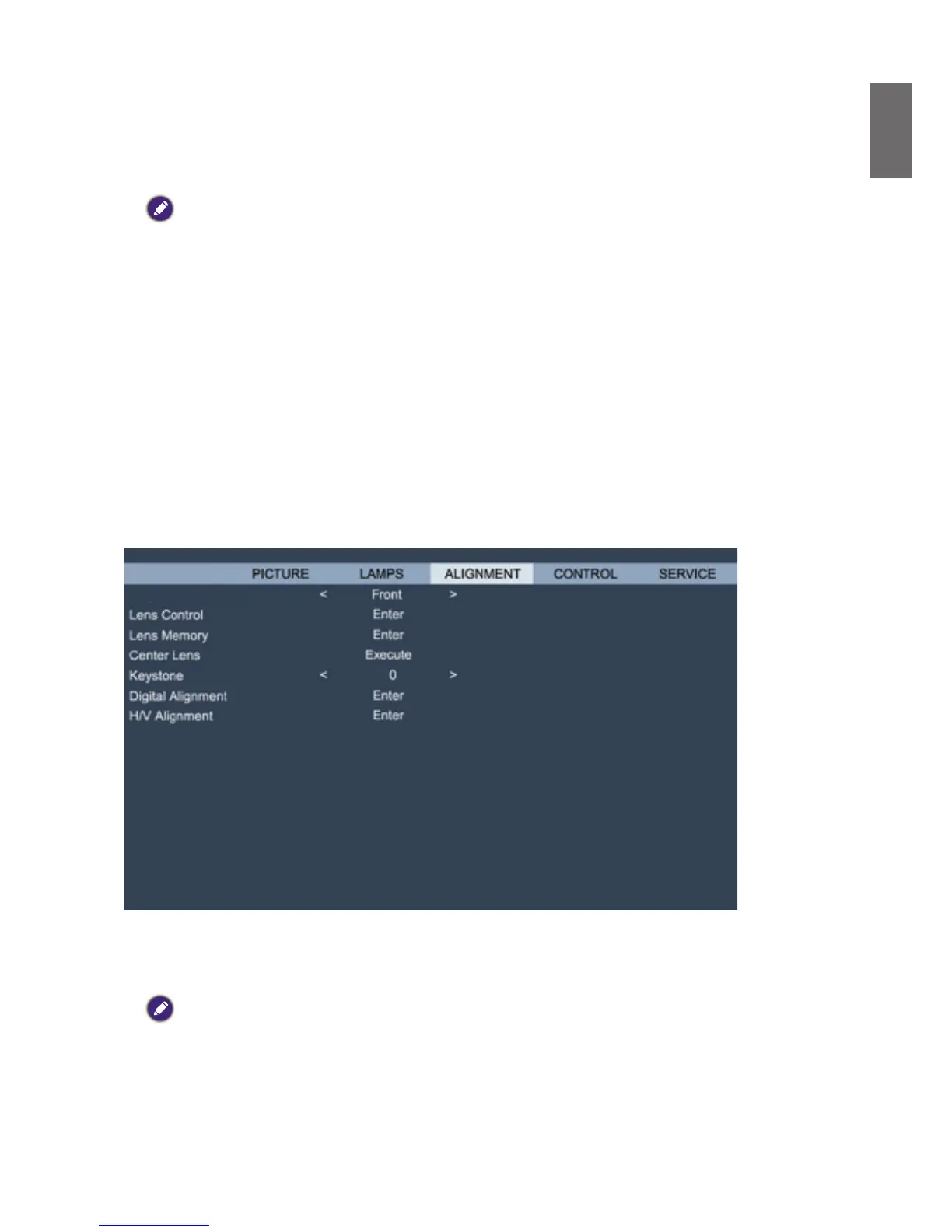
OSD menu - ALIGMENT
DISPLAY
Projector Installation
• Projector Installation
Press
◄►
arrow key to select Projector Installation : Front Table, Rear Table, front Ceiling, rear
Ceiling, Upward + front, and Downward + front.
Caution:
The cooling fan speed varies with projection mode to ensure the projector's proper heat dissipation. Invalid
projection can lead to the projector overheating or shortened lamp life. ne careful to choose the correct projection
mode when installing your projector.
• Lens Control
Select this function or press the LENS Shift button on the remote controller to open the lens
control menu to zoom, focus or shift the lens. Press Enter key to switch zoom/focus or lens shift



 To Next Page