55
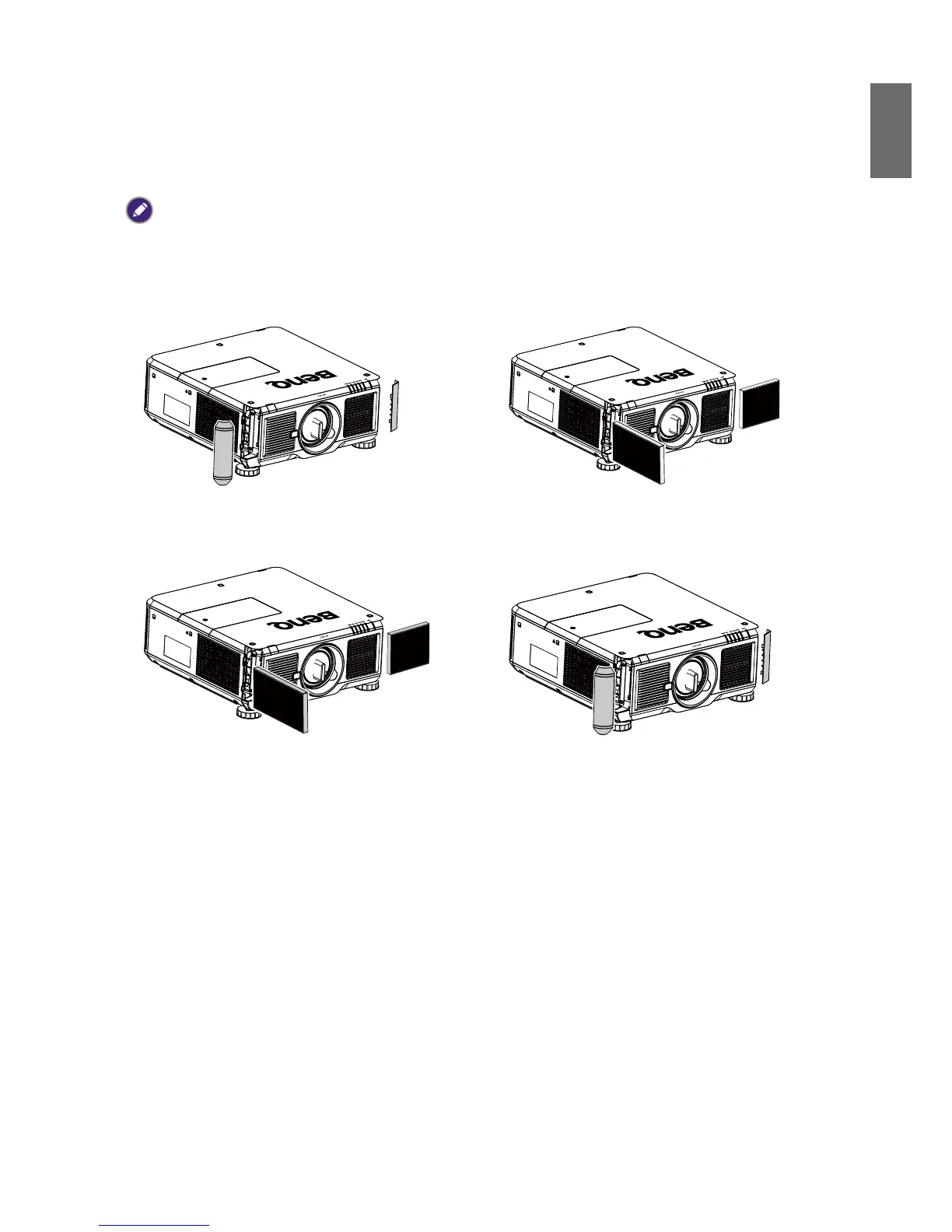
Replacingthelter
Dirtiness and replacement time for filters varies with the environment. Please check the filter
regularly to get the best projector performance.
Caution:
Adirtylterimpedesvolumeofairowingintotheprojectorwhich,inturn,leadstosystemprotectionenablingor
componentdamagecausedbyoverheating.Pleasecheck,removedustorreplacethelter.
1. Openuptheleftorrightfrontltercap.



 To Next Page