Connections
19
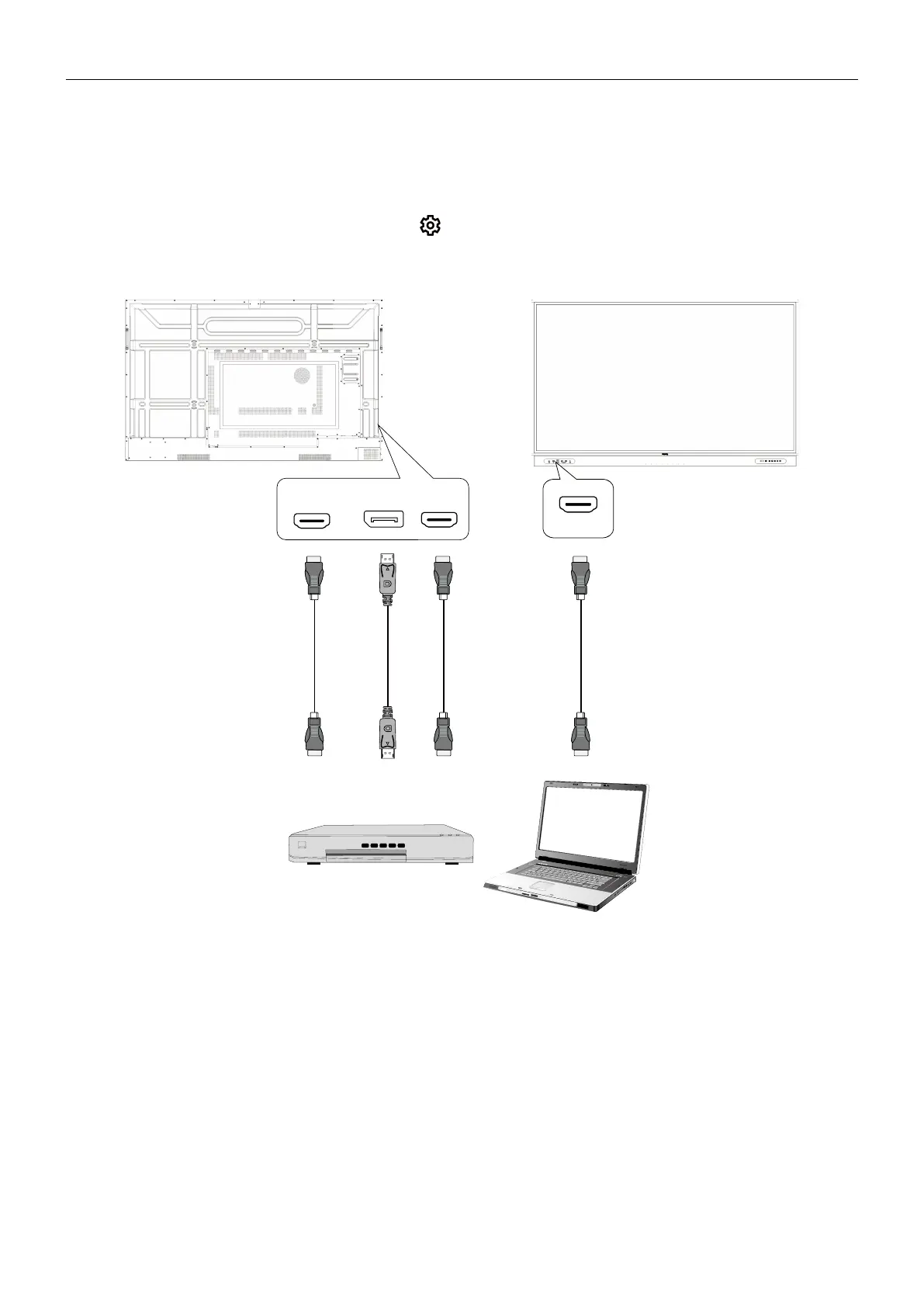
Connecting the digital inputs
1. Connect the HDMI or DisplayPort output port of a computer or A/V device (such as
a settop box or DVD player) to the HDMI 1/HDMI 2/HDMI/DP input port on the
display using an HDMI or DisplayPort cable.
2. To view video from this input, press
on the remote control to switch to the
respective input source.
or or or



 To Next Page