Menu operations
32
Settings menu
Input settings
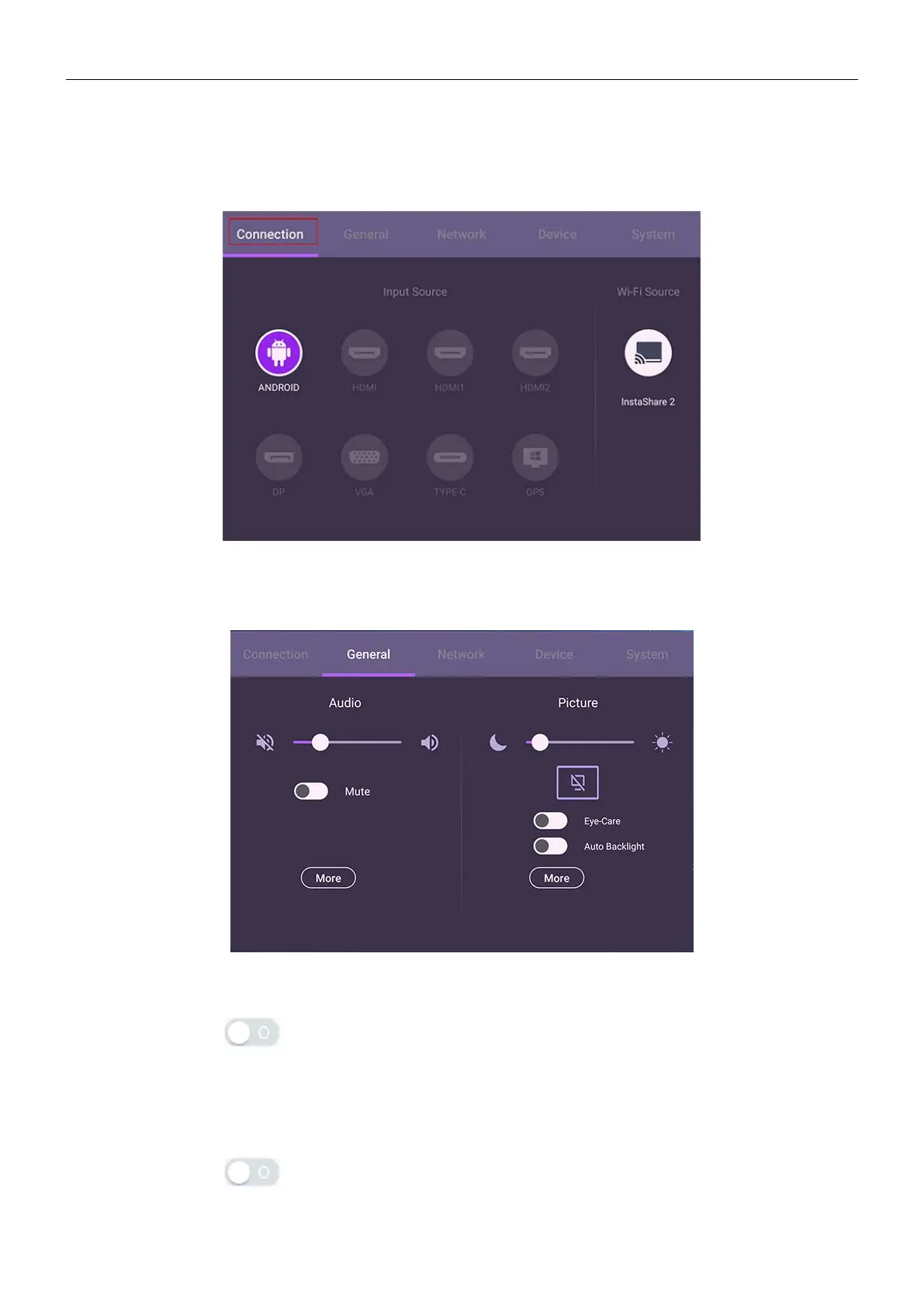
Under Connection, you can select a desired input source.
General settings
Go to General to access the Audio and Picture settings.
Audio
• Under Audio, use the volume bar to adjust the volume for the display.
• Directly swipe
to enable or disable Mute.
• Go to More to enter the Audio menu.
Picture
• Under Picture, use the brightness bar to adjust the brightness for the display.
• Directly swipe
to enable or disable Auto Backlight.
• Go to More to enter the Picture menu.



 To Next Page