Menu operations
31
Menu operations
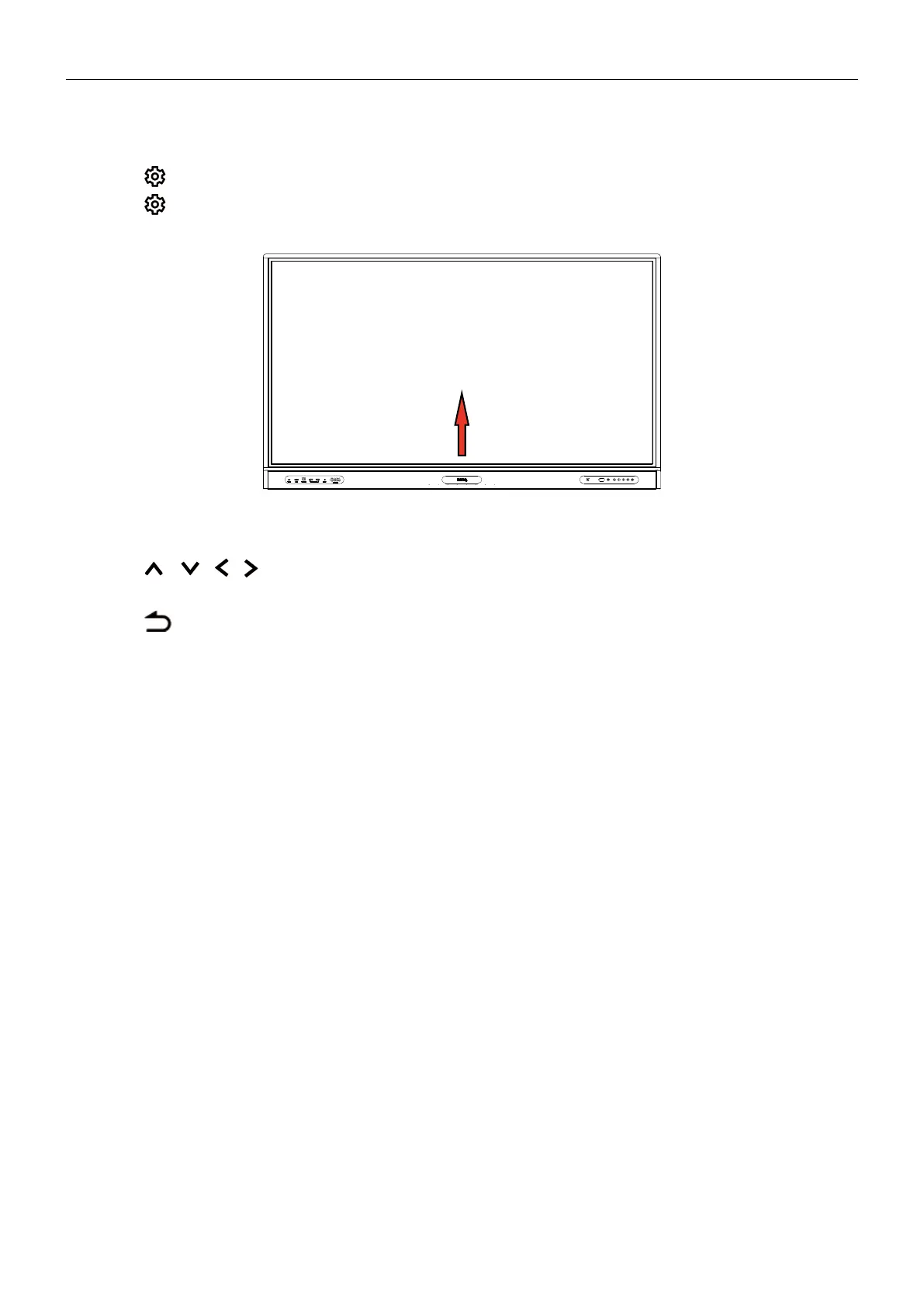
To enter the OSD menu:
• Press
on the remote control
• Press
on the front panel
• Drag from the bottom-center of the screen
To make selections:
• Press
/
/
/ on the remote control and press OK to confirm or directly click
an item.
• Press
on the remote control or click a blank area outside the menu to exit the
menu.
Under Connection, you can select a desired input source and adjust backlight. See Input
settings on 32 for more information.



 To Next Page