Basic operations
30
OS functions Gesture actions
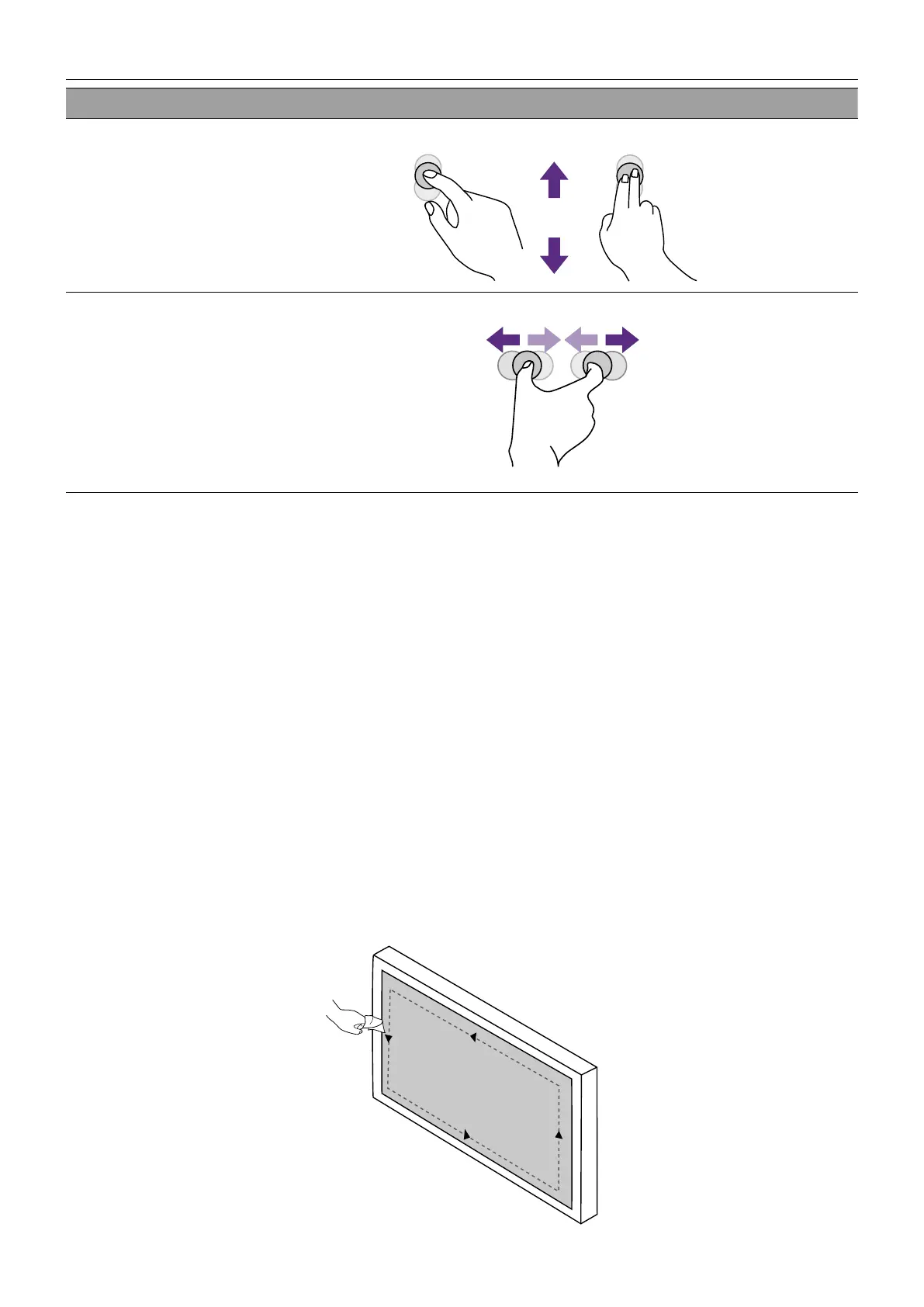
Scrolling
Drag one or two ngers up or down.
or
Zoom
Move two ngers apart or toward each other.
Important instructions for using the touch screen
Please clean the frame when there is sign of malfunction on the touch screen.
• Before you clean the screen, make sure the display is turned off, and unplug the power
cord.
• Remove dust or dirt from the screen and the infrared plastic filter periodically. It is
suggested using a small amount of alcohol to clean the infrared plastic filter.
• To avoid damage to the screen, never use any type of abrasive materials to wipe the
screen.
• Use a neutral detergent to clean the touch screen. Avoid using detergents with erosive
substance, such as banana oil or ammonia.
• Moisten a clean soft, lint-free cloth with a neutral detergent and then clean the touch
screen.
• Do not spray a detergent on the screen surface or the body directly. It may result in a
short circuit to the touch screen.
• Keep the touch screen out of direct sunlight or spotlights.



 To Next Page