Android system interface
49
Audio/Video
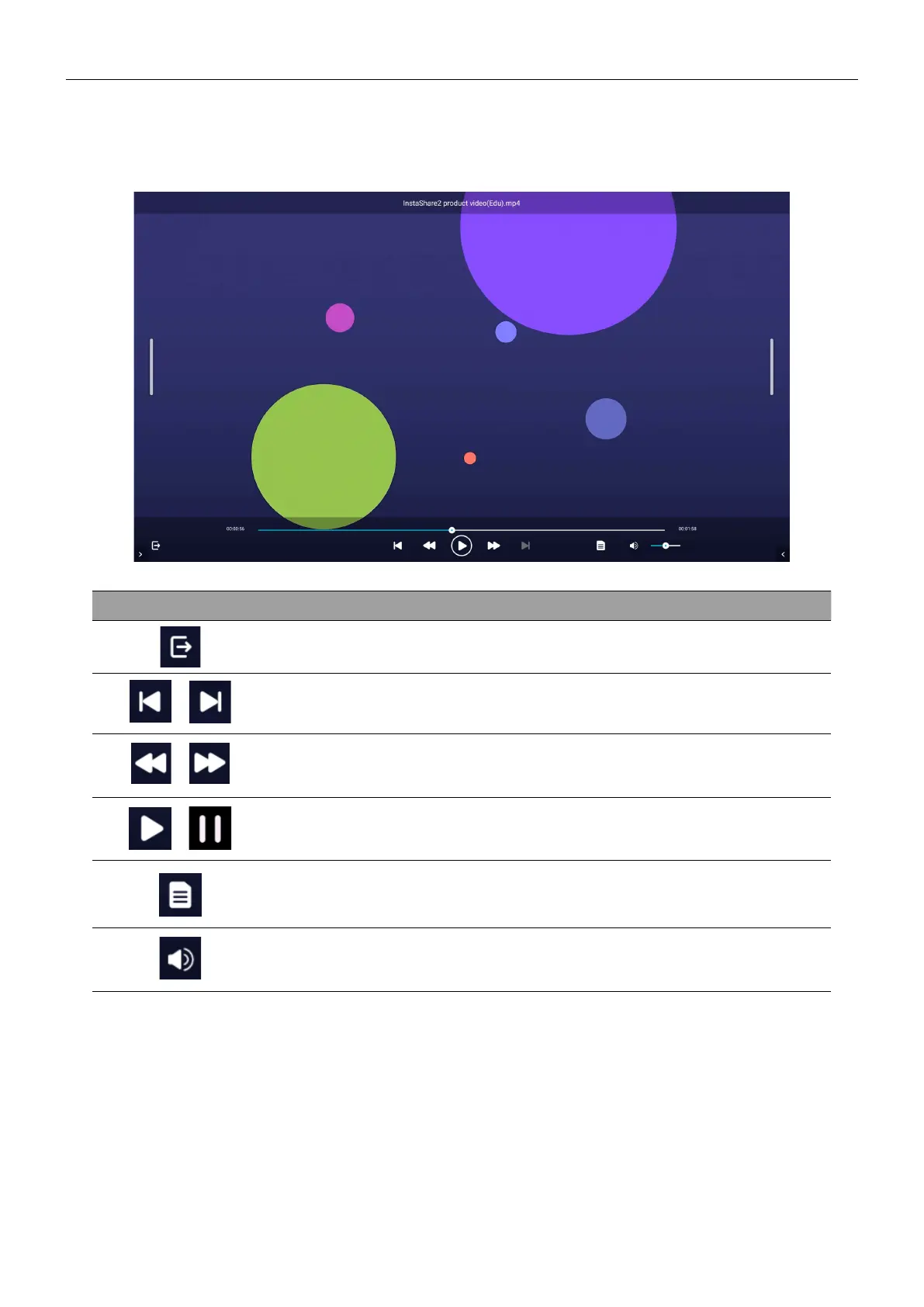
Select an audio/video file you want to play on the display and perform any of the functions
shown on the screen.
Icon Function
Exits the audio/video player.
/
Plays the previous/next file.
/ Rewinds/Fast forwards the audio/video.
/ Plays/pauses the current file.
Displays file information, including name, creation time, file size,
and file format.
Adjusts the audio/video volume.



 To Next Page