Maintenance 61
Timing of replacing the lamp
When the Lamp indicator lights up red or a message appears suggesting it is time
to replace the lamp, please install a new lamp or consult your dealer. An old lamp may
cause a malfunction in the projector and in some instances the lamp may explode.
Do not attempt to replace the lamp yourself. Contact the qualified service
personnel for replacement.
The Lamp indicator light and Temperature warning light will light up if the
lamp becomes too hot. See "Indicators" on page 65 for details.
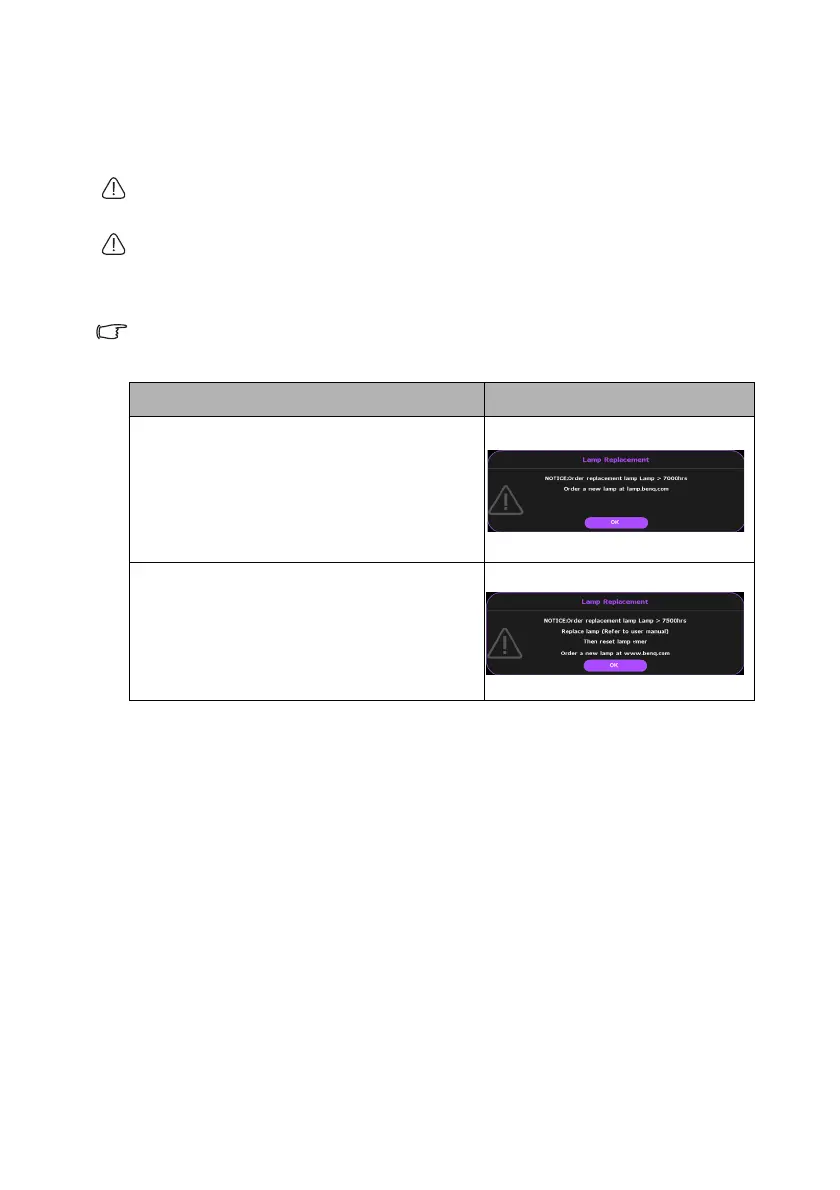
The following lamp warning displays will remind you to change the lamp.
The warning messages below are for reference only. Please follow the
actual on-screen instructions to prepare and replace the lamp.
Status Message
It is strongly recommended that you replace
the lamp at this stage. The lamp is a
consumable item. The lamp brightness
diminishes with use. This is normal lamp
behavior. You can replace the lamp whenever
you notice that the brightness level has
significantly diminished.
The lamp MUST be replaced before the
projector will operate normally.


 To Next Page
 Loading...











