3.
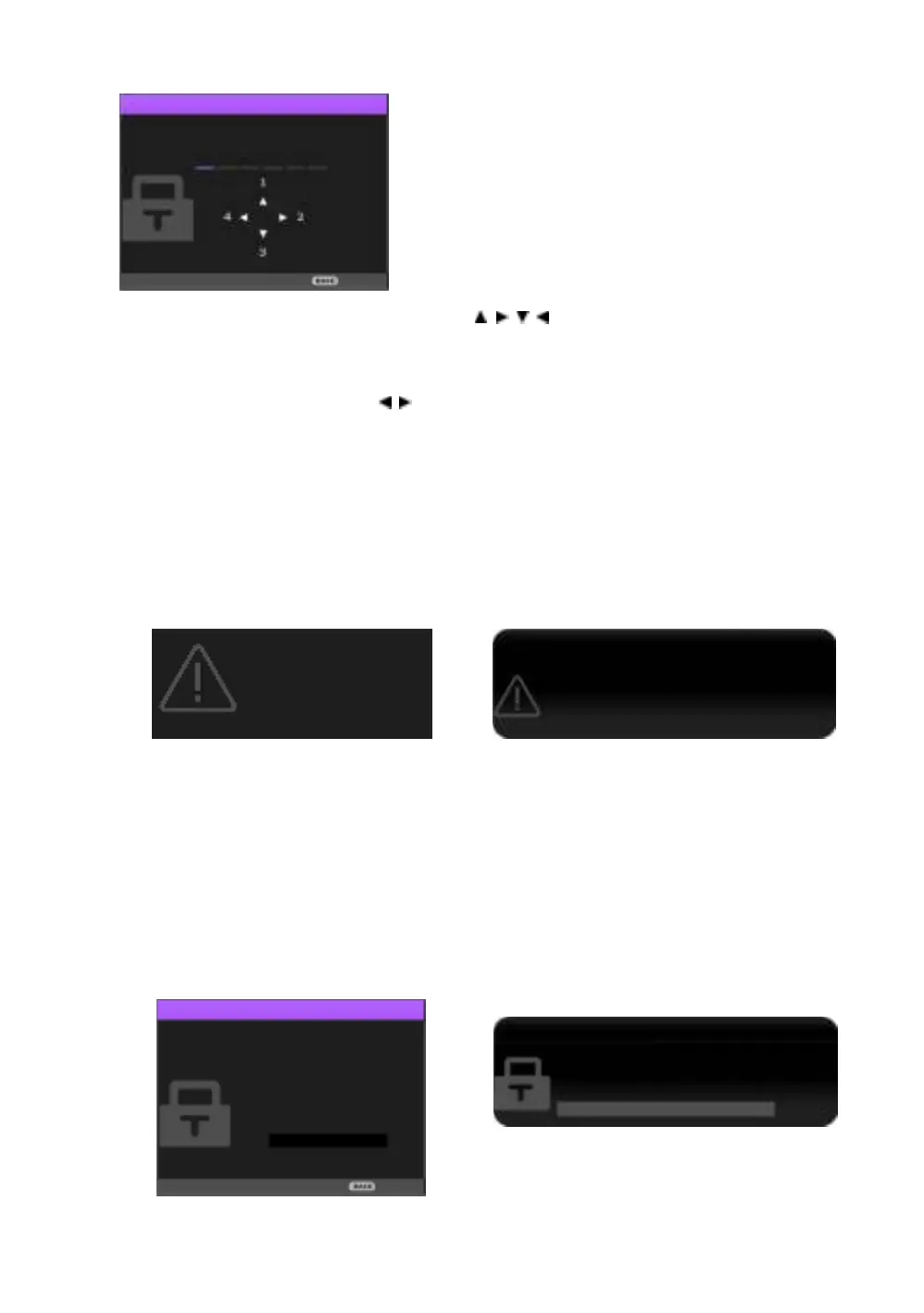
As the window indicates, the four arrow keys ( / / / ) respectively represent 4 digits (1, 2, 3, 4).
Use the arrow keys on the projector or remote control to set a six-digit password. The digits are
displayed as ****** when you enter them.
4.
Re-enter the same password to verify and return to the Password window.
5.
Select Power On Lock and use / to set On.
6.
Enter the current password to enable the function.
7.
Press BACK to save your changes and exit.
If you forget the password
If you enable the password function, you’ll have to enter your password each time you turn on the
projector. Once you enter an incorrect password, the error message is displayed, and the Input
Password window follows.
• Under the Advanced OSD menu • Under the Basic OSD menu
You can retry by entering another six-digit password, or if you absolutely do not remember it, use the
password recall procedure. See
Entering the password recall procedure for details.
If you have entered an incorrect password 5 times in succession, the projector will automatically shut
down in a short time.
Entering the password recall procedure
1.
Make sure the Password window is displayed on screen, then press and hold AUTO on the remote
control for 3 seconds. The projector will display a coded number on the screen.
• Under the Advanced OSD menu • Under the Basic OSD menu
Password Error
Please try again.
Password Error
Please try again.
Please write down the recall code,
and contact BenQ
Customer Center.
Recall code:
XXX XXX XXX XXX
Recall Password
Please write down the recall code, and contact
BenQ Customer Center.
Recall code:
XXX XXX XXX XXX


 To Next Page