34
Multifunction Control Panel
Cycles
‘Vibration’ and
‘Rollerblind’
Attributes
(,$-'%.-''+
# $ # $ # $ # $
% + & '% '& ('
' + ( '' '( ('
) + + * + ') + '* +('
+ + , '+ ', ('
- + . '- '. ('
(,/*-'.-''+
$ # $ #
-
'
+ &
)
+ (
+
* +
3. Press E to confirm, or e to abort the setting.
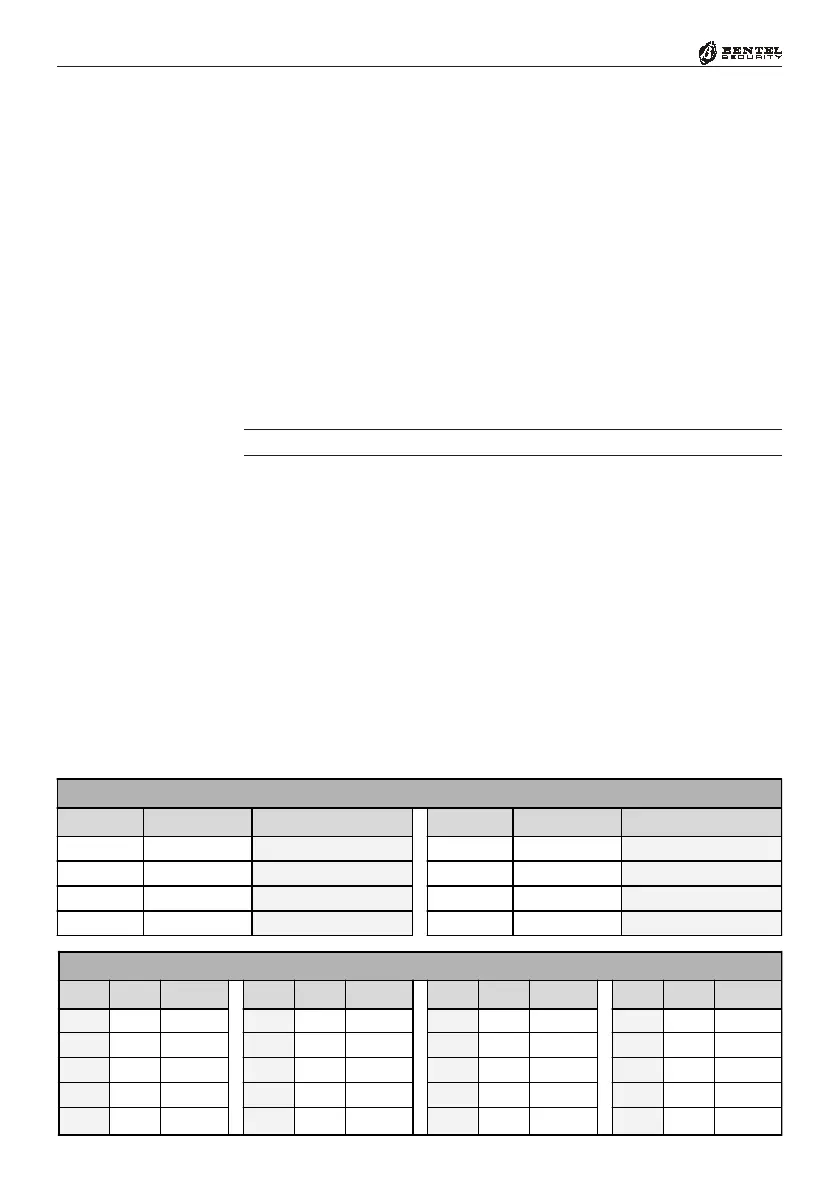
1. Enter a Parameter Number from 166 – 194 (refer to Tab. 7a for details), then
press E.
2. Enter the required number of Cycles (refer to Tab. 7a).
Accepted entries: 0 through 15 (0 = No cycles; 15 = Repetitive). If you
enter a wrong value the Keypad will emit an audible error signal then allow
you to retry.
3. Press
E to confirm, or e to abort the setting.
1. Enter a Parameter Number from 307 – 312 (refer to Tab. 7a for details), then
press
E.
NOTE - ONLY the first 6 Zones can be ‘Vibration’ or ‘Rollerblind Zones.
2a. ‘Vibration’ Zones — Enter the required value (refer to Tab. 7b).
Accepted entries: 0 through 243. If you enter a wrong value (e.g. more than
243) the Keypad will emit an audible error signal then allow you to retry.
2b. ‘Rollerblind’ Zones — Enter the required value (refer to Tab. 7c).
Accepted entries: 0 through 19. If you enter a wrong value (e.g. more than
19) the Keypad will emit an audible error signal then allow you to retry.
3. Press
E to confirm, or e to abort the setting.




 To Next Page