Sewing preparation
34
2.8 Presser foot
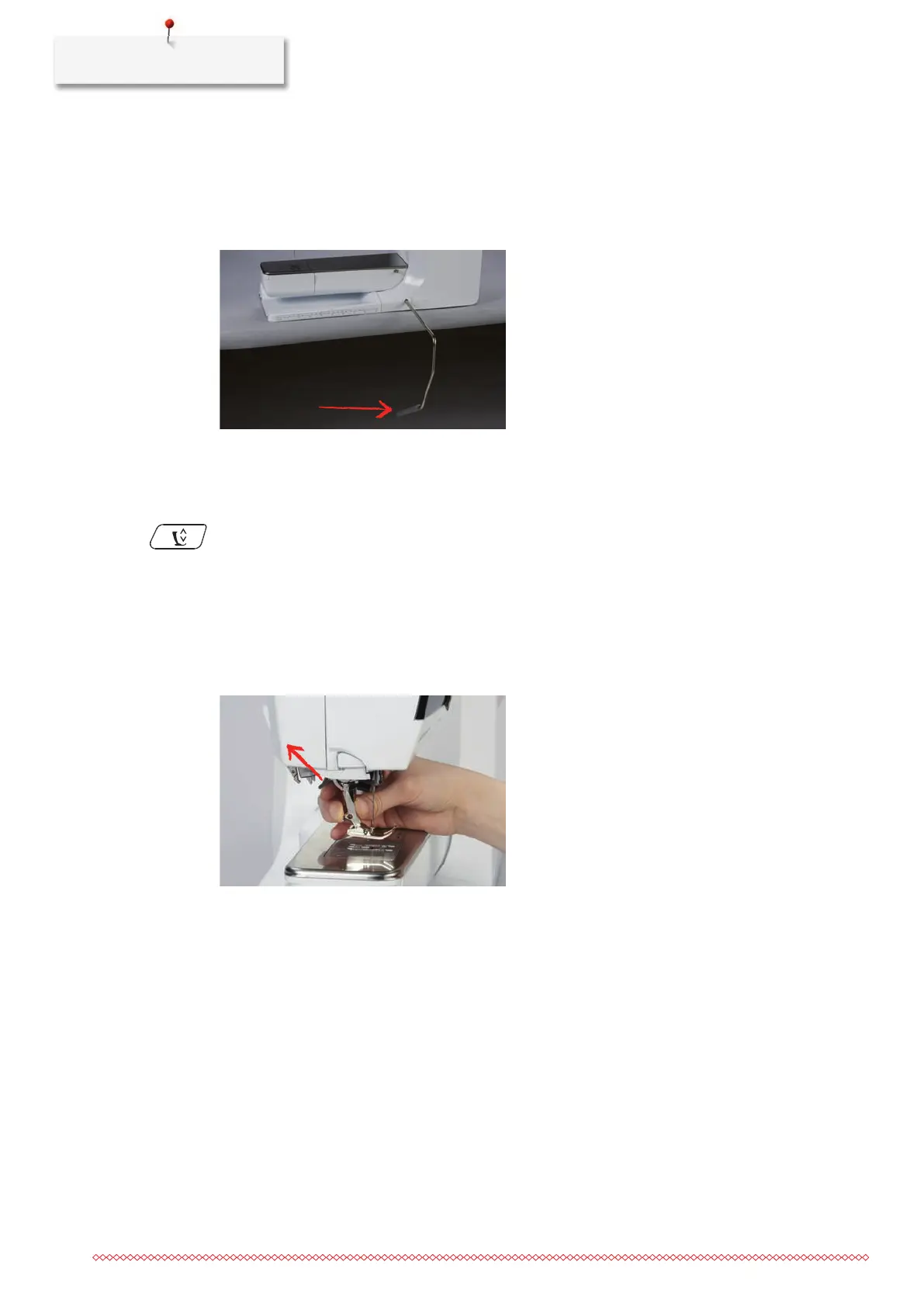
Adjusting the presser foot position via the knee lifter of the Free Hand System
> Adjust the sitting height so that the knee lifter can be operated with the knee.
> Push the knee lifter with the knee to the right to raise the presser foot.
– Simultaneously the feed dog is lowered and the thread tension is released.
> Release the knee lifter slowly to lower the presser foot.
Adjusting the presser foot position via the button «Presser foot up/down»
> To raise the presser foot, push the button «Presser Foot Up/Down».
> To lower the presser foot, push the button «Presser Foot Up/Down» again.
Changing the presser foot
> Raise the needle.
> Raise the presser foot.
> Switch the machine off and disconnect it from the power supply system.
> Push the clamping lever up.
> Remove the presser foot.
> Guide the new presser foot upwards over the cone.
> Press the clamping lever down.
Having the presser foot displayed in the User Interface
For each selected stitch, the machine displays the recommended and any other alternative presser feet.
Prerequisite:
• The machine is switched on.
> Select a stitch pattern.
– In the icon «Presser foot indicator / presser foot selection» the recommended presser foot is indicated
with a number.



 To Next Page