Setup Program
49
Programming the button «Quick reverse»
You can choose between «Reverse sewing» and «Stitch-specific reverse sewing».
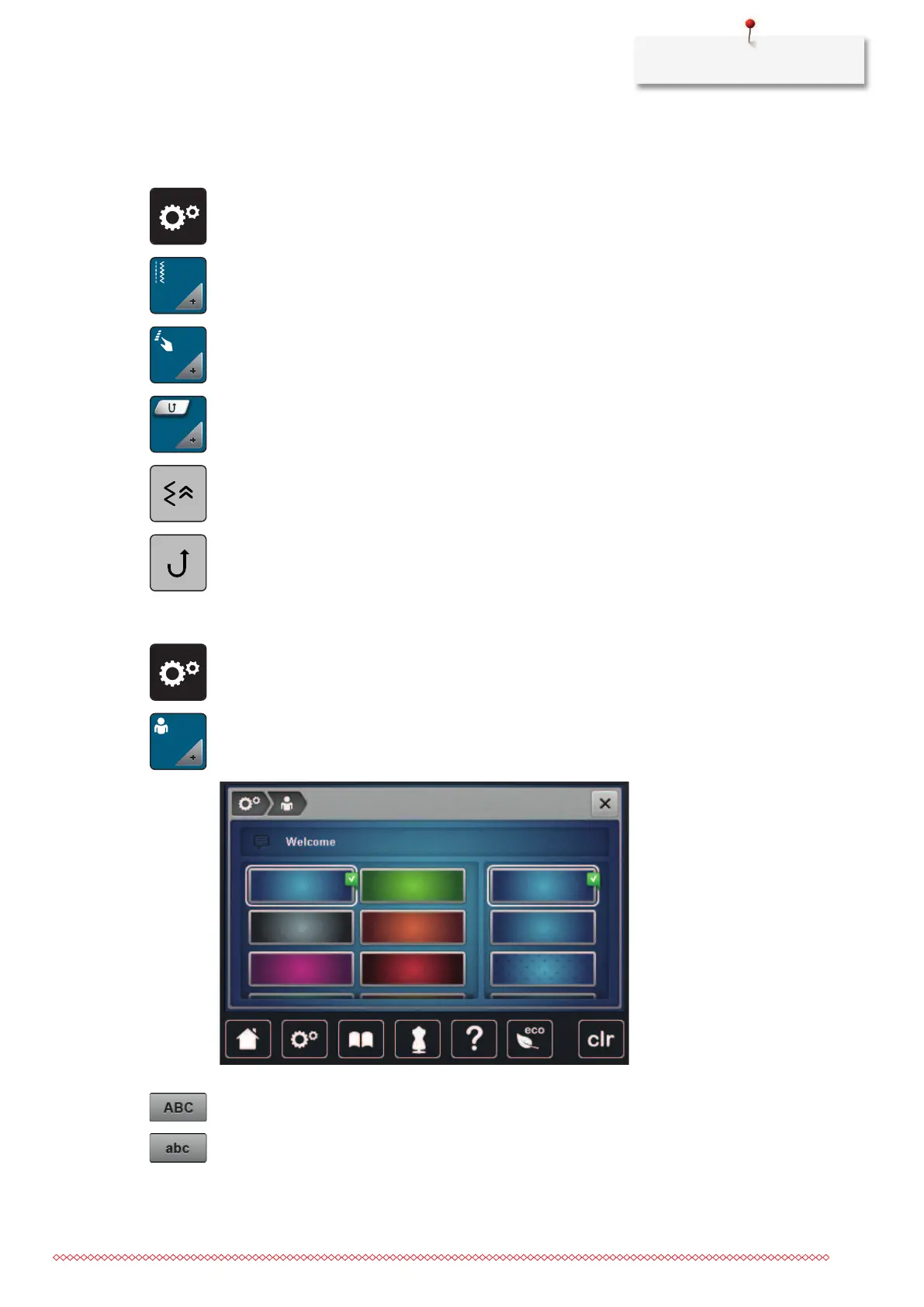
> Tap «Setup Program».
> Tap «Sewing settings».
> Tap «Programming buttons and icons».
> Tap «Programming the button Quick reverse».
> To set the stitch-precise reverse sewing, tap «Backstepping».
> To set the stitch-precise reverse sewing, tap «Permanent Quick Reverse».
3.2 Selecting personal settings
> Tap «Setup Program».
> Tap «Personal Settings».
> Select the required display color and background.
> Tap the text box above the color settings.
> Enter the welcome message.
> To use upper-case letters, tap «Upper Case Characters» (standard setting).
> To use lower-case letters, tap «Lower Case Characters».



 To Next Page