Creative sewing
65
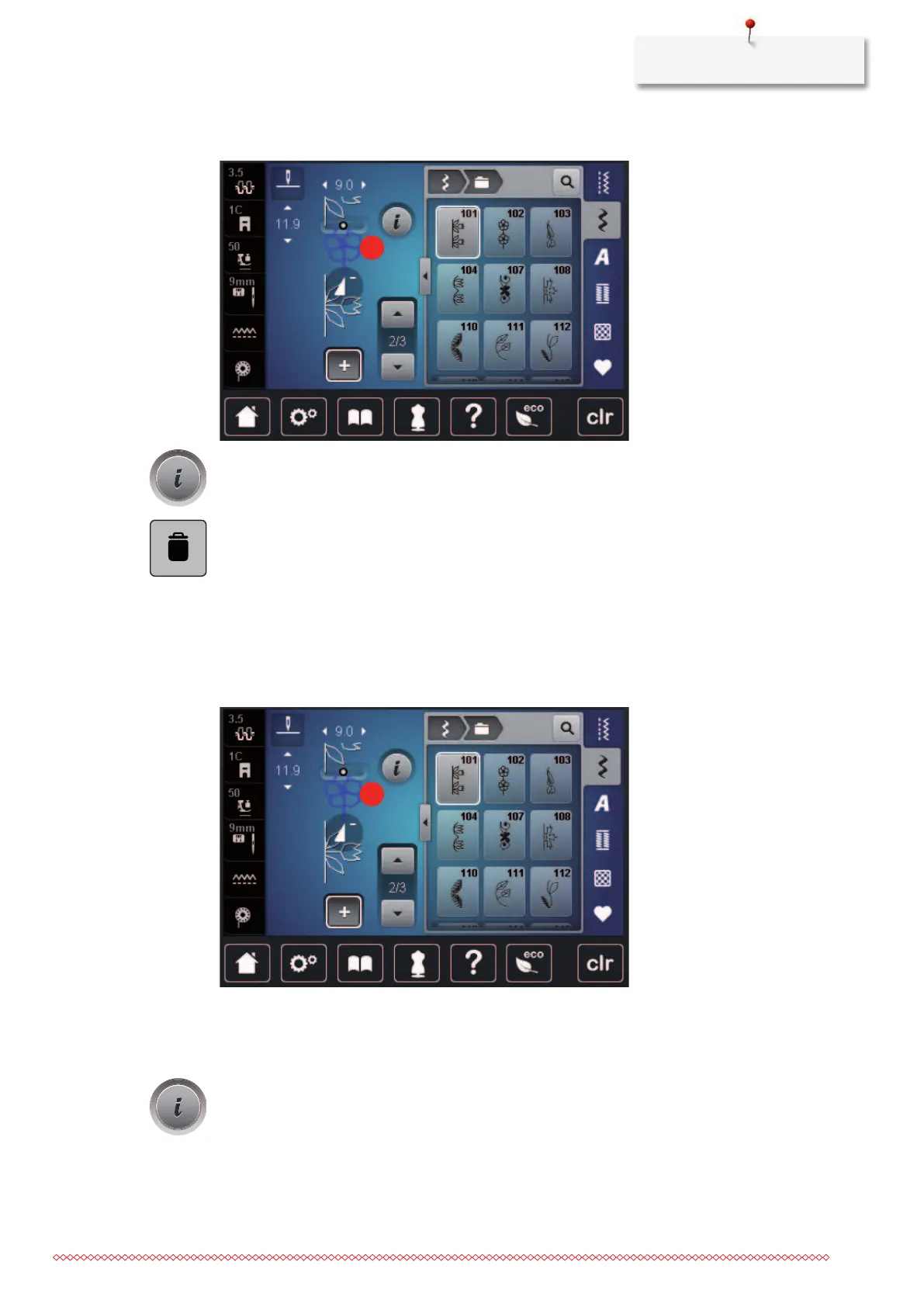
> Tap the desired stitch pattern(1) within the stitch pattern combination.
> Tap «i-Dialog».
> Tap «Delete».
Adding a single stitch pattern
The new stitch pattern is always inserted after the selected stitch pattern.
> Create a stitch pattern combination.
> To select a single stitch pattern, tap the desired position (1) within the stitch pattern combination.
> Select a new stitch pattern.
Mirroring a stitch pattern combination
> Create a stitch pattern combination.
> Tap «i-Dialog».



 To Next Page