Creative sewing
69
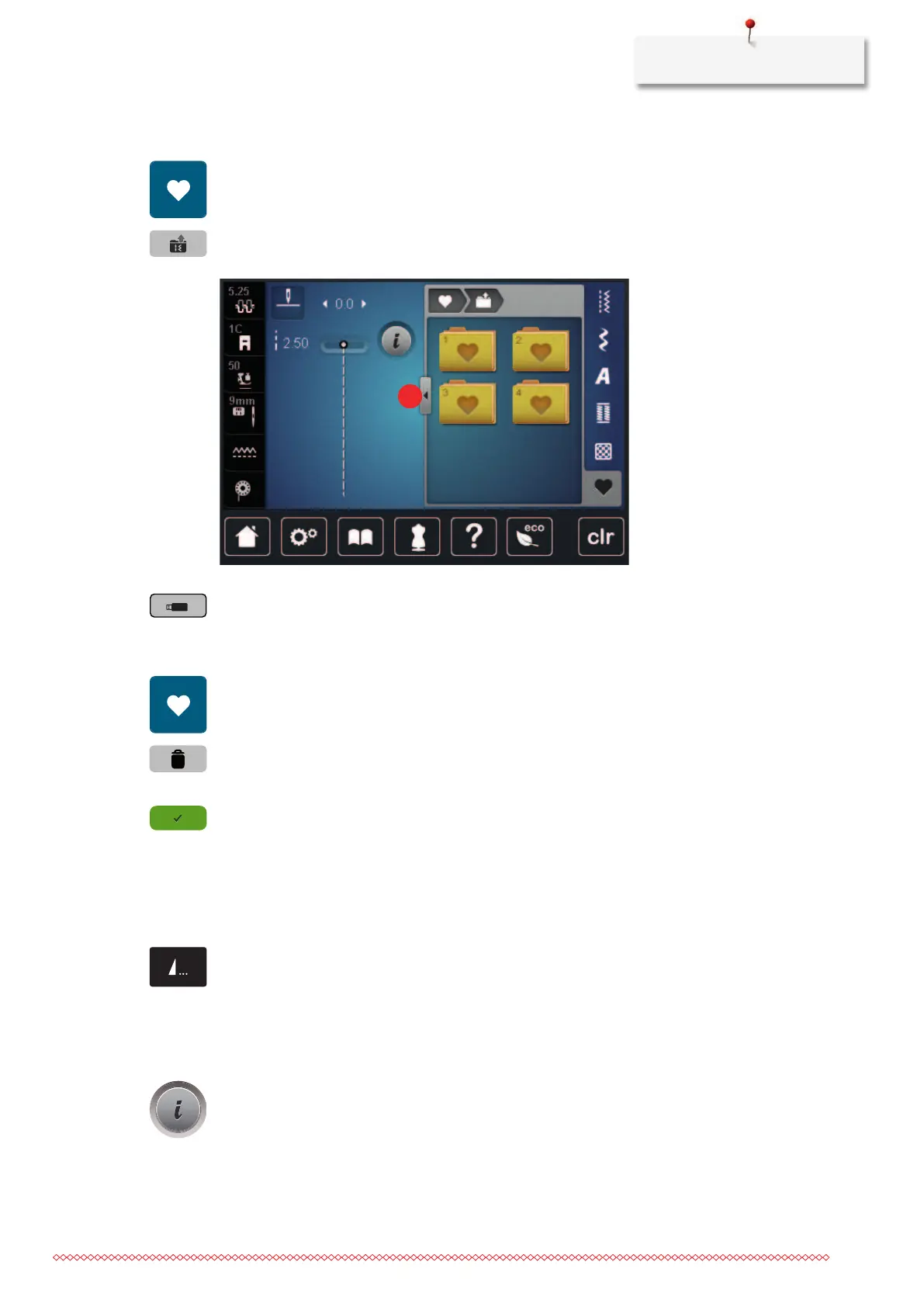
Uploading a stitch pattern from the BERNINA USB stick
> Tap «Personal Memory».
> Tap «Load embroidery motif».
> Tap «Increasing/Decreasing the display size»(1).
> Insert the BERNINA USB stick into the USB port of the machine.
> Tap «USB Stick».
> Select the desired stitch pattern.
Deleting stitch patterns from the BERNINA USB stick
> Tap «Personal Memory».
> Tap «Delete».
> Insert the BERNINA USB stick into the USB port of the machine.
> Select the stitch pattern which is to be deleted.
> Tap «Confirm».
5.8 Securing
Securing with the button «Pattern end»
The «Pattern End» button can be programmed with various securing stitches.
> Push the button «Pattern End» before sewing is started or while sewing.
– While sewing, a stop icon indicates that the function is activated and the stitch pattern or the current
combination of a stitch pattern will be secured at the end with the programmed number of stitches.
Securing via the icon «Securing»
Every single pattern of the stitch pattern combination can be secured at the start or at the end.
> Tap «i-Dialog».



 To Next Page