Alphabets
94
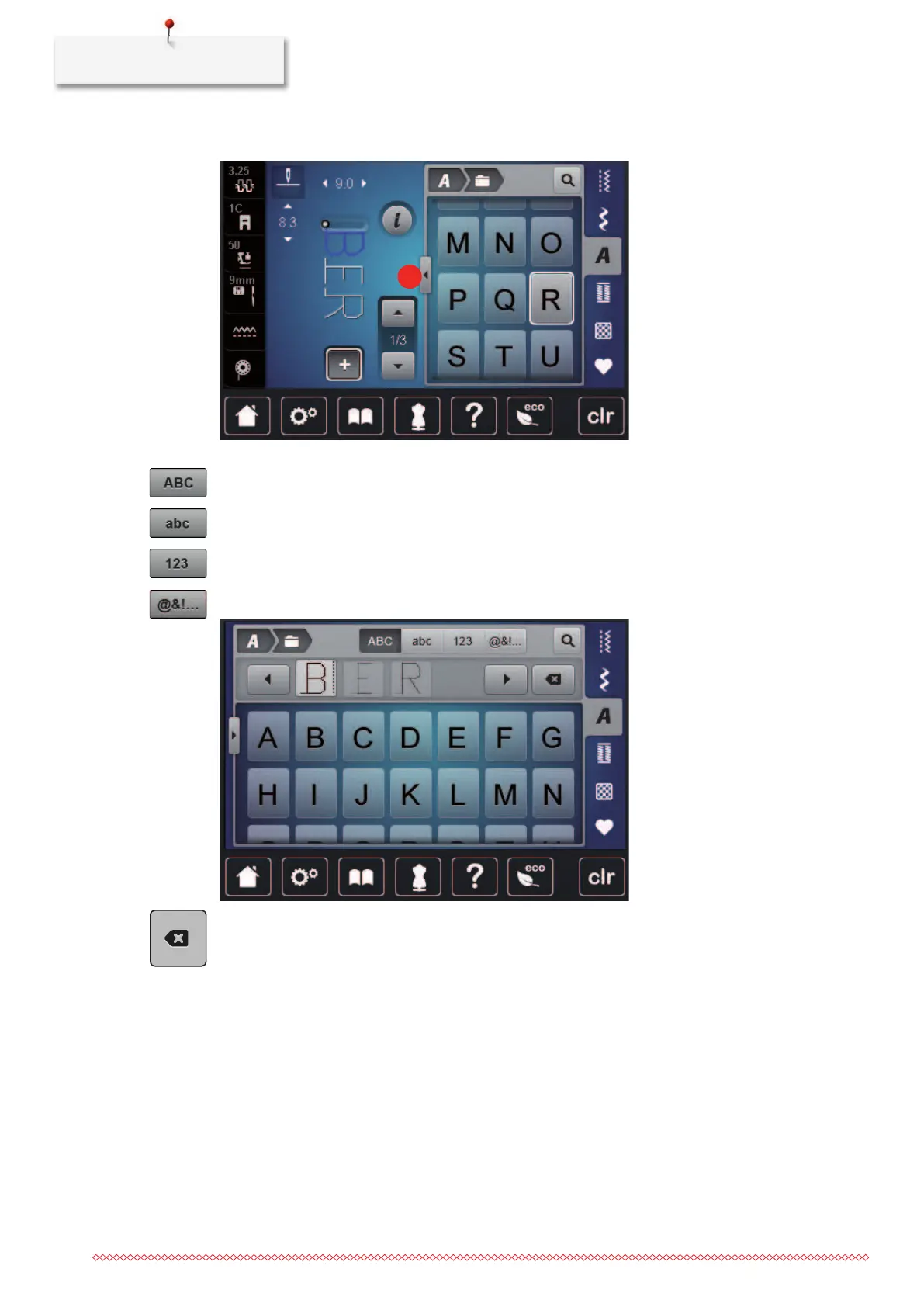
> To open the extended Enter Mode, tap «Increasing/Decreasing the display size»(1).
> Select the letter.
> To use upper-case letters, tap «Upper Case Characters» (standard setting).
> To use lower-case letters, tap «Lower Case Characters».
> To use figures and mathematical symbols, tap «Numbers and Mathematical Characters».
> To use special characters, tap «Special Characters».
> To delete individual syllables of the entered text, tap «Delete».
> To close the extended Enter Mode, tap «Increasing/Decreasing the display size» again.



 To Next Page