37
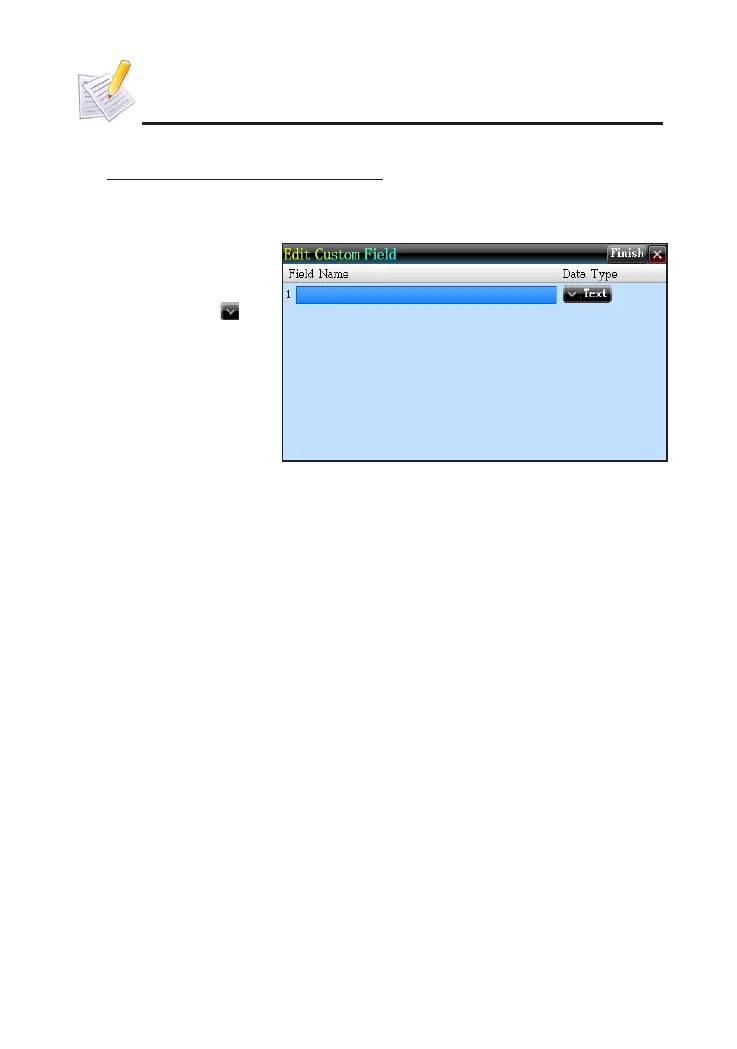
1.1.1 Custom Field
* Take "Memorandum" for example:
①
On index screen,
tap [Func] to select
"2 Custom Field".
②
Input data, tap to
open the dropdown
menu.
③
Tap [Finish] or press
[Save] to save data.
1.1.2 Edit Category
for Name Card. You may add three more categories for choice.
For Memorandum, there are three categories--Daily, Business and
All the categories can be renamed. The custom categories can be
deleted in Memory Management.
1.2 Data Index
If there is saved data, the index will appear when the function is
accessed. You can delete or lock data on index screen.
①
Name Card: if the entry contains photo, tap to look up the portrait. If not,
directly access the details. Tap telephone number to view other number list.
②
then displays the index screen of the selected category.
③
Schedule: allows to view daily and weekly schedules.
④
To Do List: provides date searching function in index screen.
⑤
Anniversary: allows to search data in lunar or solar calendar.
1.3 Detail View
You can view the details of data, and modify, copy and delete data.
Besides, words can be cross searched in corresponding dictionaries.
PIM



 To Next Page