51
loadingthelesdirectly.
②
Choose the type of the "Words effect" what you want (as picture 8).
③
Click "OK" and tap tosavetextlesatlast.
2.1.3 Loading Images
Before loading images, you have to convert BMP, JPG or GIF format
into HCA format. It is recommended that your images are less than 480*272
pixels.
2.1.3.1 Loading Images(Static Images, Animation Images)
①
Select "Section" or to add a new section, then click from the tool bar.
②
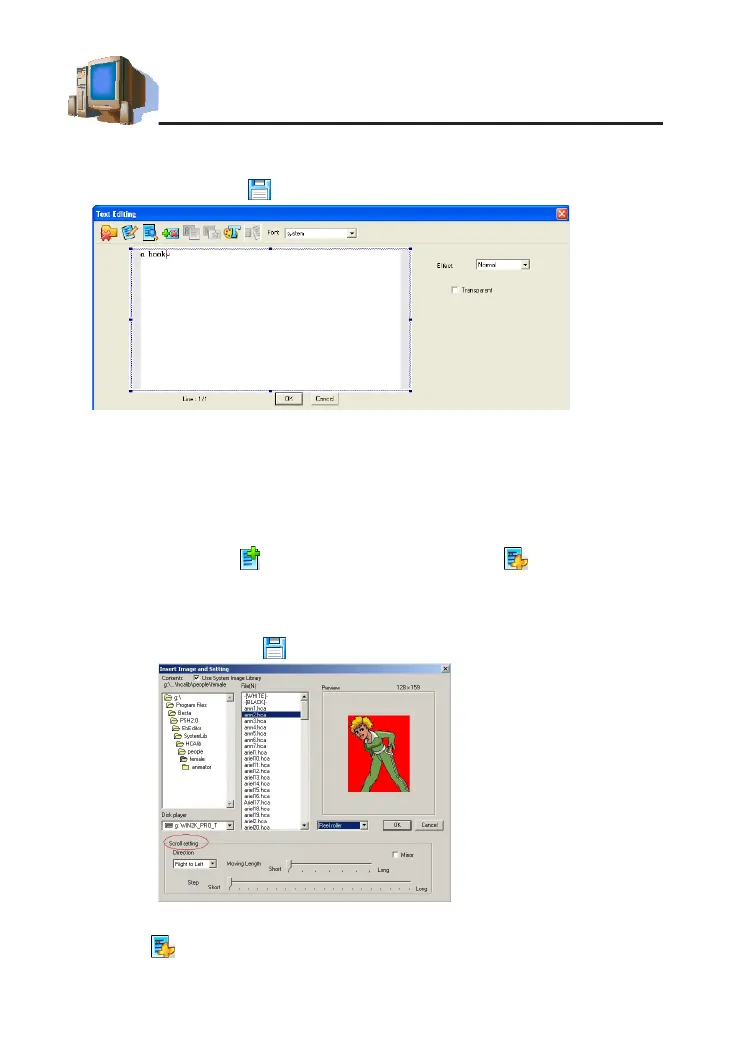
Tick"Usesystemimagelibrary",selectHCAlefromlefolder.
③
Select an image variety mode in the preview area (as picture 9):
Normal, Reel roller, Stereo scroll.
④
Click "OK" then click tosavele.
2.1.3.2 Loading a Background Color
①
Select from the tool bar.
②
Click "[BLACK]-" then select color from the color plate at the bottom of
picture 8
picture 9
PC Service Home Guide



 To Next Page