49
PC Service Home Guide
1.6 Import/Export
You can import/export corresponding data of Name Card, Memorandum,
Schedule and To Do List from PC Service Home to Outlook Calendar, Contact,
Notes and Tasks of PC, and you are allowed to import/export Card between
both ends.
1.6.1 Importing Data (Take "Import Outlook contact" for Example)
Import Outlook contacts to PC Service Home as Name Card.
* Click"File(F)"menu"ImportandExport"→"ImportOutlookcontact".
* Tap "Next" and then it displays "Import Outlook contact" window, select
data from the right area to be imported, click "Import" and then click
"OK" to import.
1.7 Help
Whenyouhavequestionanddifcultiesaboutoperation,pleaseclick
"Help"→"Help(H)"menutoseetheon-linehelp.
2. Service Toolkit
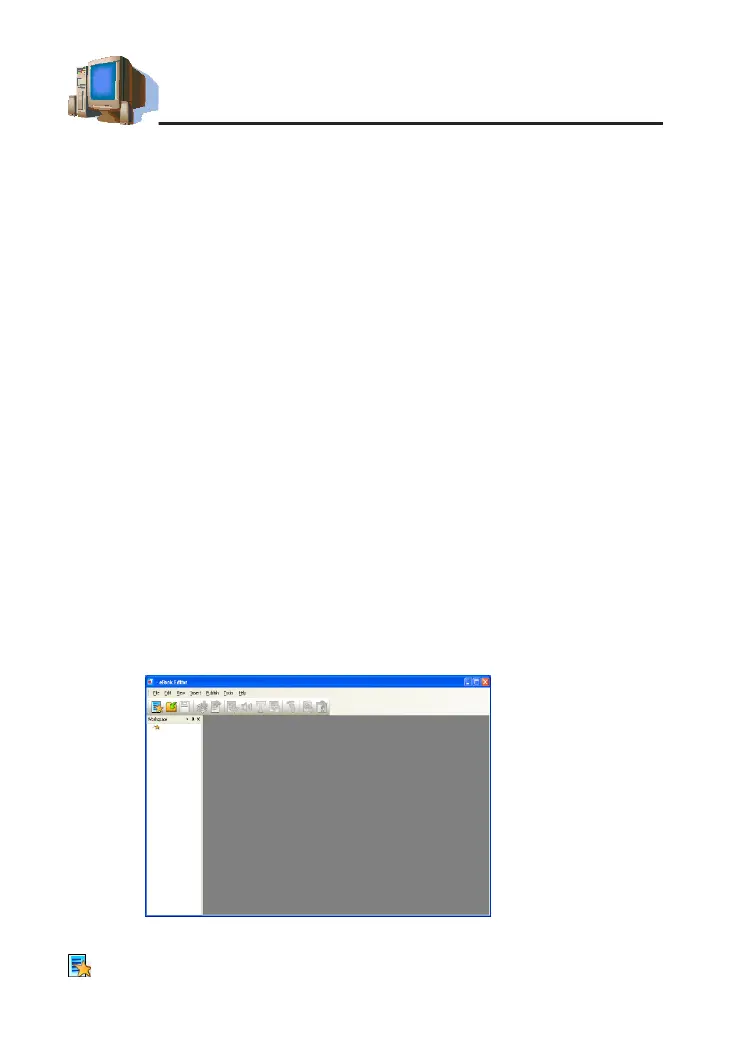
2.1 EbEditor
EbEditor is a software which supports 16 colors and color pictures
combined with text, sound and pictures. You can make a vivid and
interesting eBook or e-card by using the eBook editor in the CD/website.
Click "Service Toolkit"-- "EbEditor" in PC Service Home to access the
eBook editor screen (as picture 6).
Tool list:
(Createanewcmle):Tocreateanewproject.
picture 6



 To Next Page